

Best Improved Features in Frappe / ERPNext v16
- Manufacturing & Subcontracting
- Multi-company accounting
- Financial reporting customization
- Stock control & reservation accuracy
Manufacturing & Inventory (Biggest Upgrade Area)
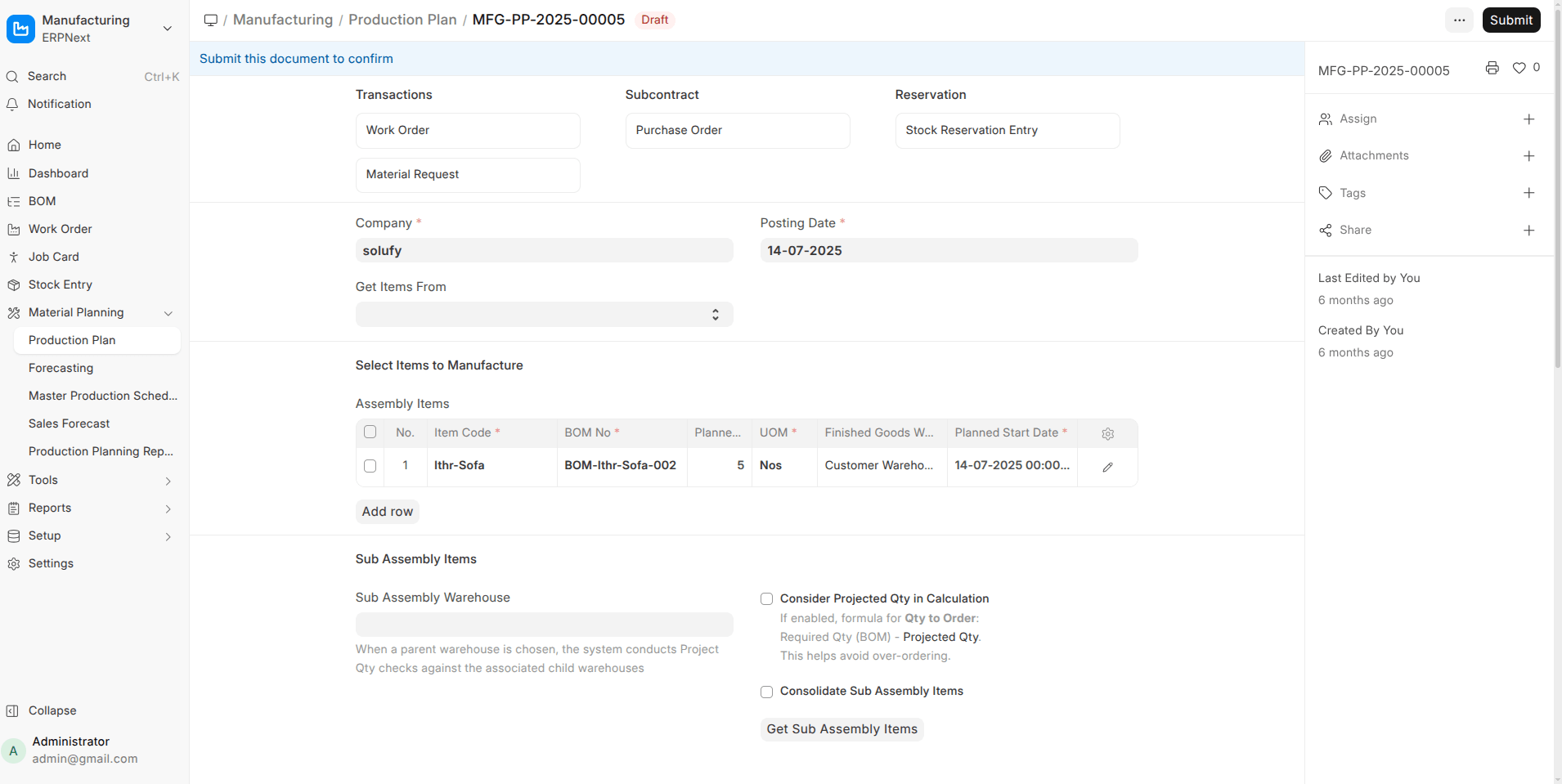
- Stock Reservation Everywhere ERPNext V16
Stock can now be reserved in Production Plan, Work Order, Subcontracting Order, and released when needed. This prevents stock conflicts and improves production reliability.
- New Master Production Schedule (MPS) & MRP Views
A consolidated planner view that calculates future production + purchase requirements from Sales Orders and current stock.
- Phantom BOM Support (Multi-level)
Phantom BOMs now explode correctly in Production Plans and Work Orders without creating unnecessary manufacturing steps.
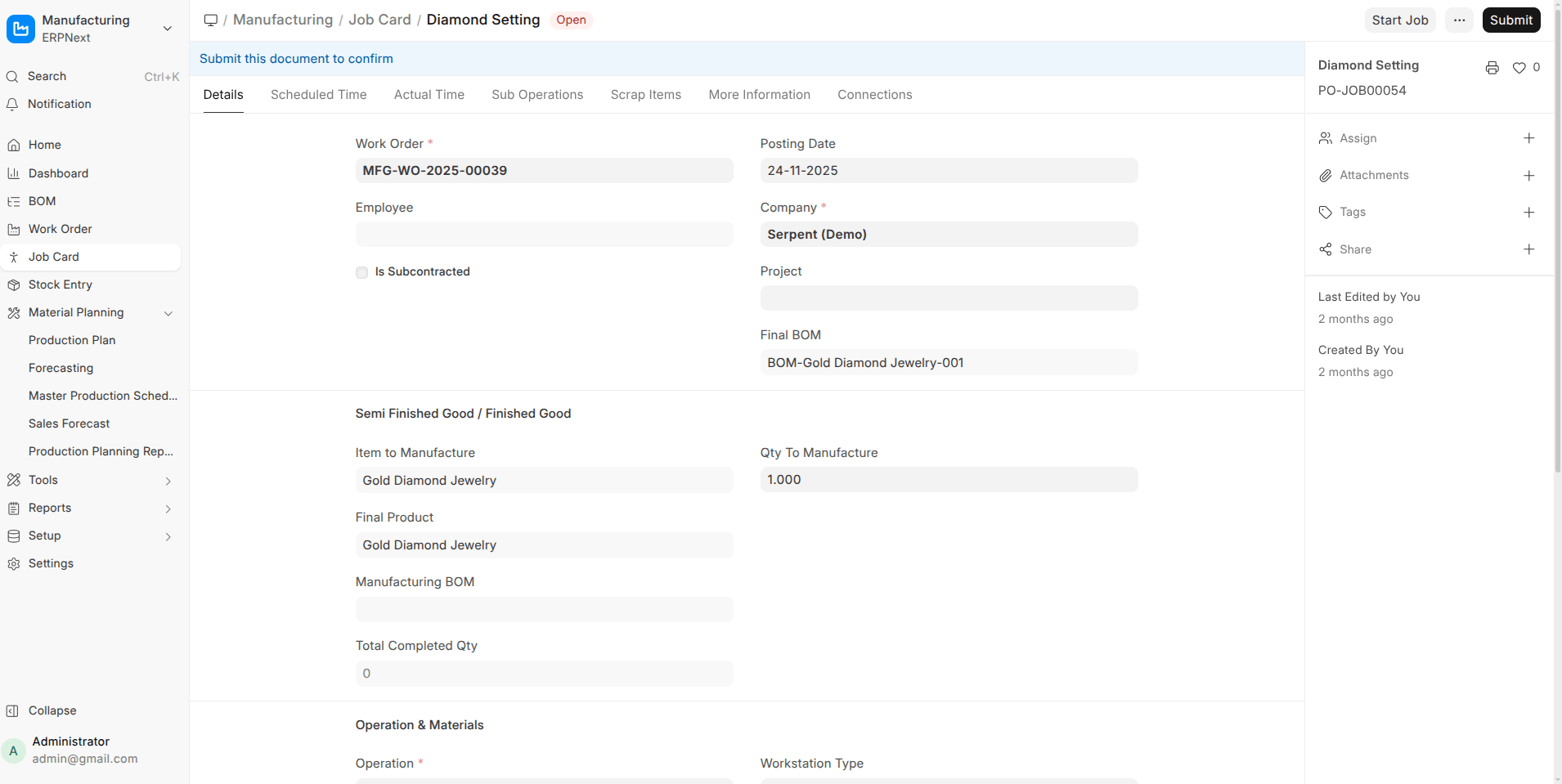
- Job Card Enhancements
Track raw materials consumed and finished goods produced per operation, including outsourced operations with direct subcontracting POs.
- Subcontracting End-to-End Flow
New documents like Subcontracted Sales Order, Subcontracting Inward Order, stock reservations, validations, and a dedicated workspace.
Stock & Warehouse Improvements
- Ledger Preview Before Submit (Stock Entry)
Preview Stock Ledger and Accounting Ledger impact before submission.
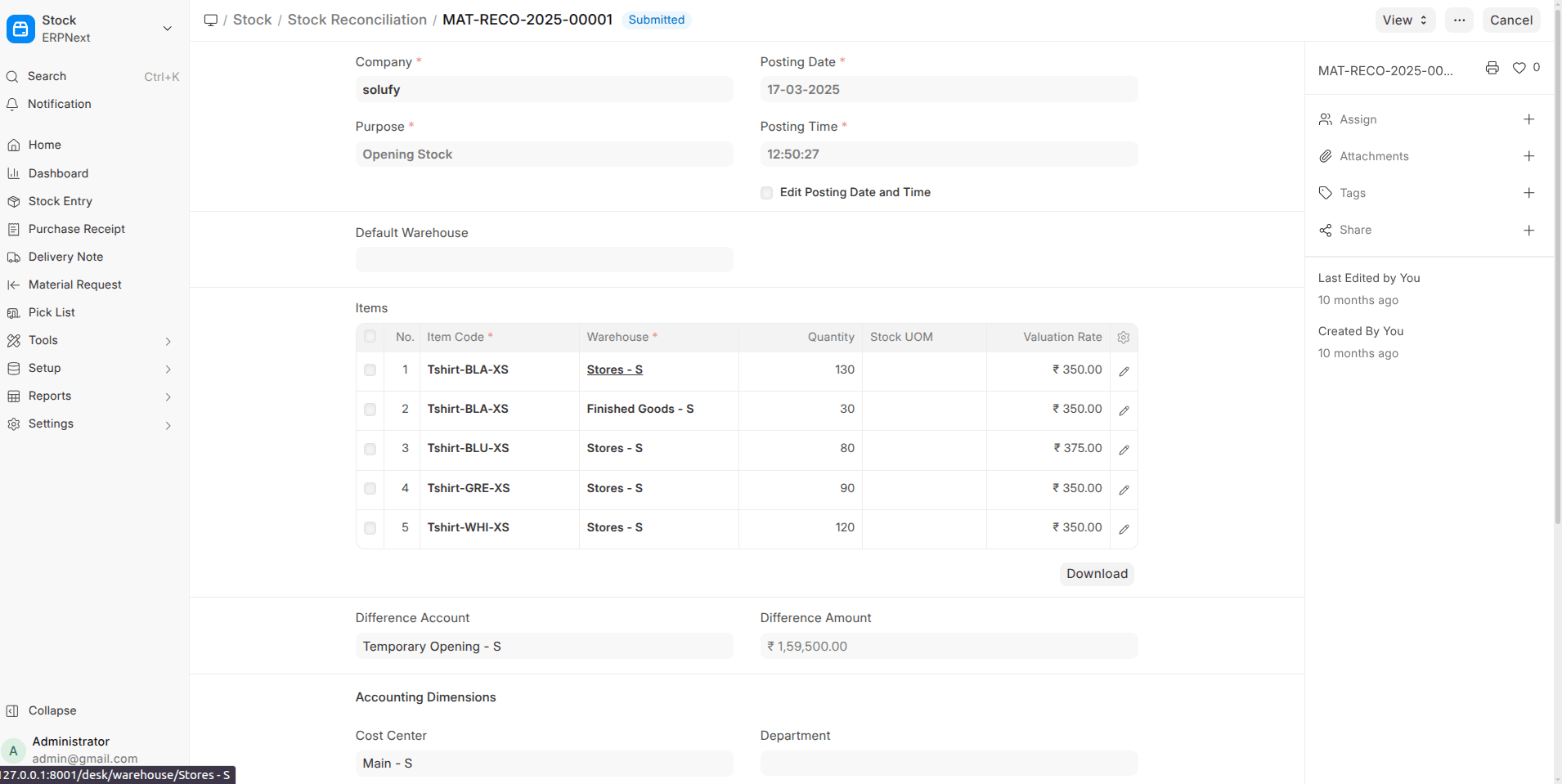
- Stock Reconciliation Enhancement
Read-only Stock UOM column helps avoid quantity mistakes.
- Company-wise Stock Valuation Method
Each company can now choose FIFO / Moving Average independently.
Accounting & Finance (Major Reporting Boost)
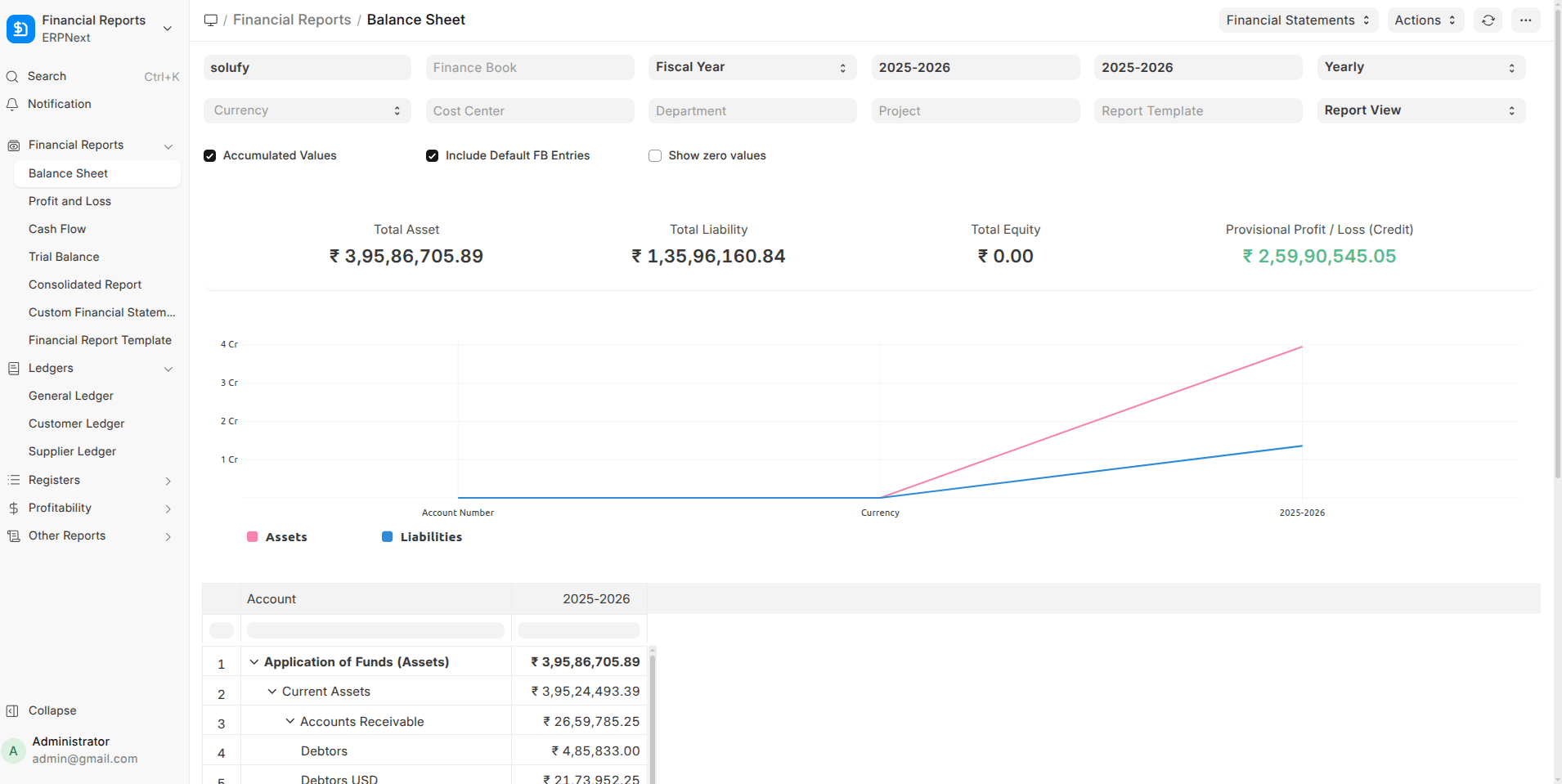
- Financial Report Template Framework
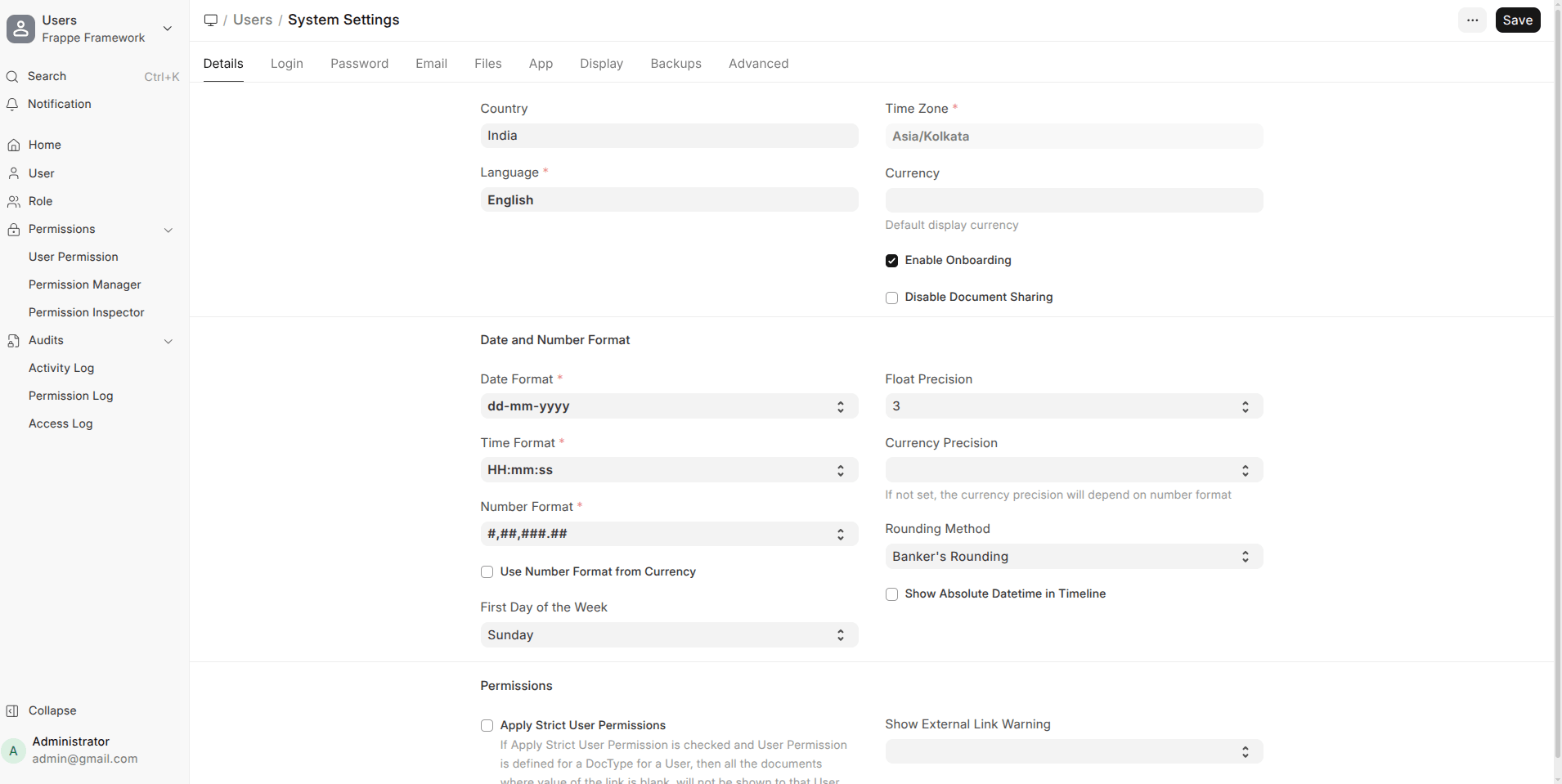
Fully customizable P&L and Balance Sheet layouts with formulas.
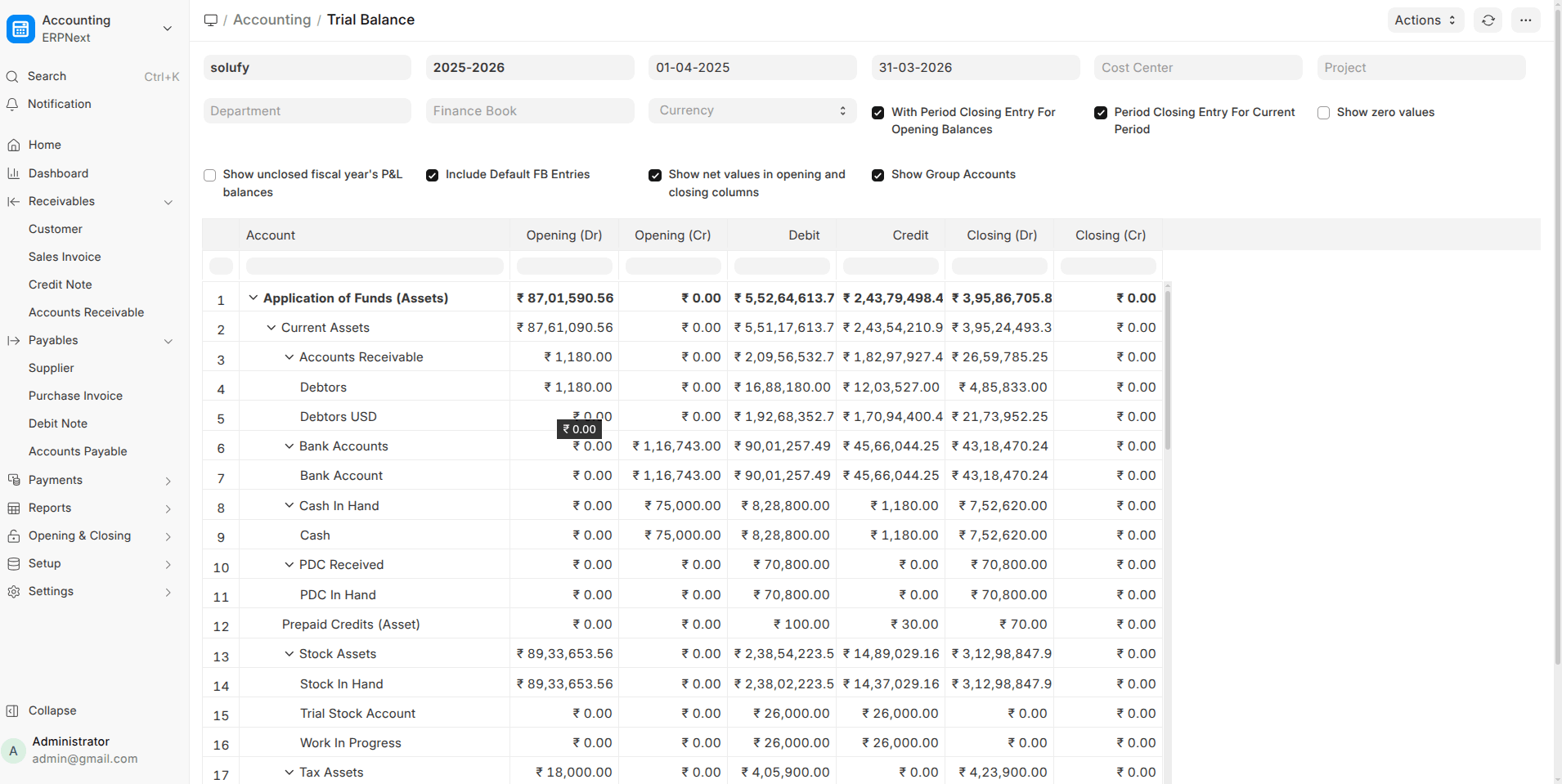
- Consolidated Trial Balance
View balances across multiple companies with automatic currency conversion.
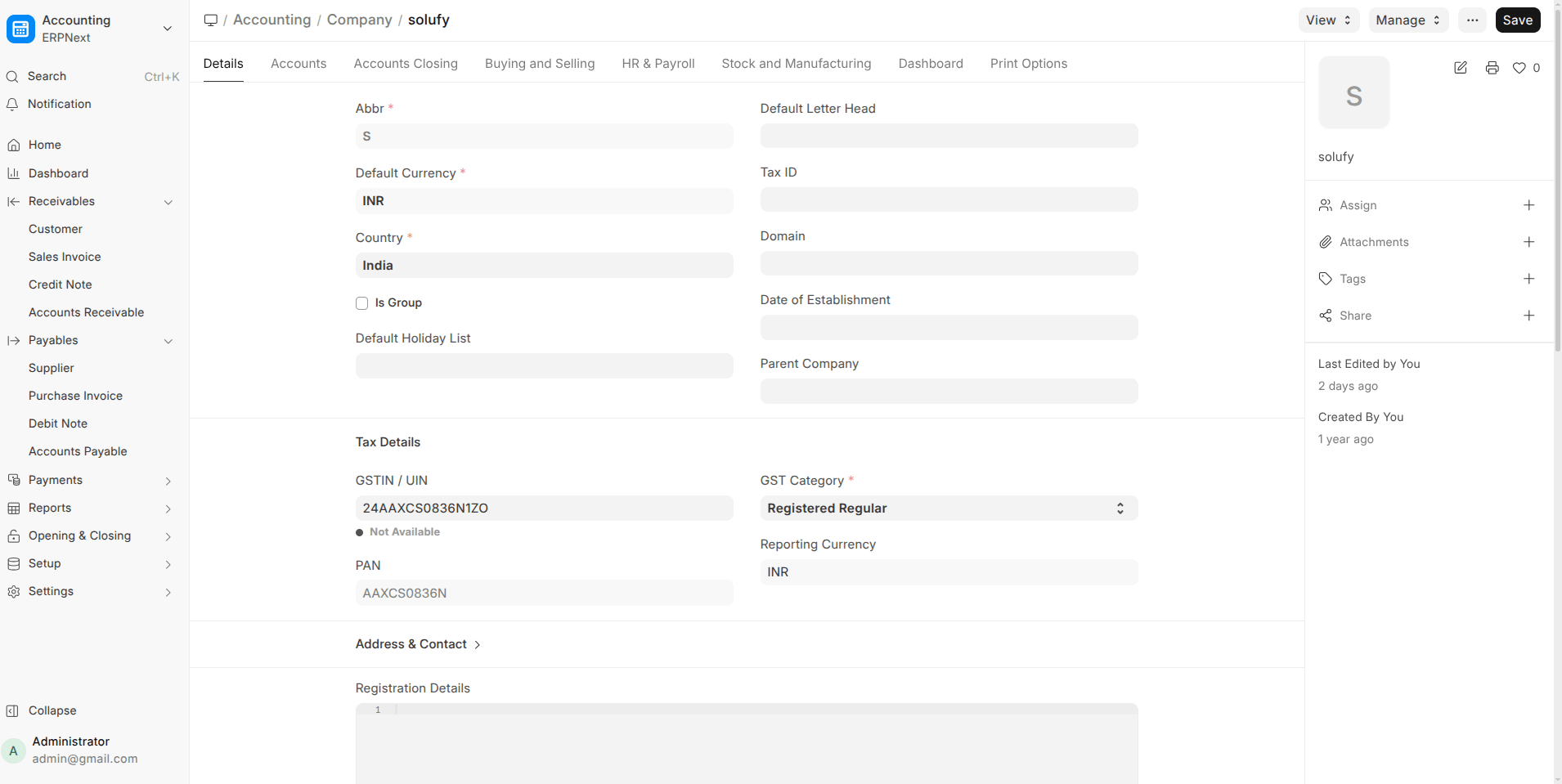
- Reporting Currency per Company
GL entries now store values in a reporting currency alongside base currency.
- Separate Account Name & Number Columns
Cleaner exports for Trial Balance, Balance Sheet, and P&L.
- Dr/Cr Indicator in Ledger Summary
Closing balances are now clearly marked as Debit or Credit.
- Periodic Accounting Support
Companies using periodic inventory can post stock in/out via Journal Entry.
Sales, Purchase & POS
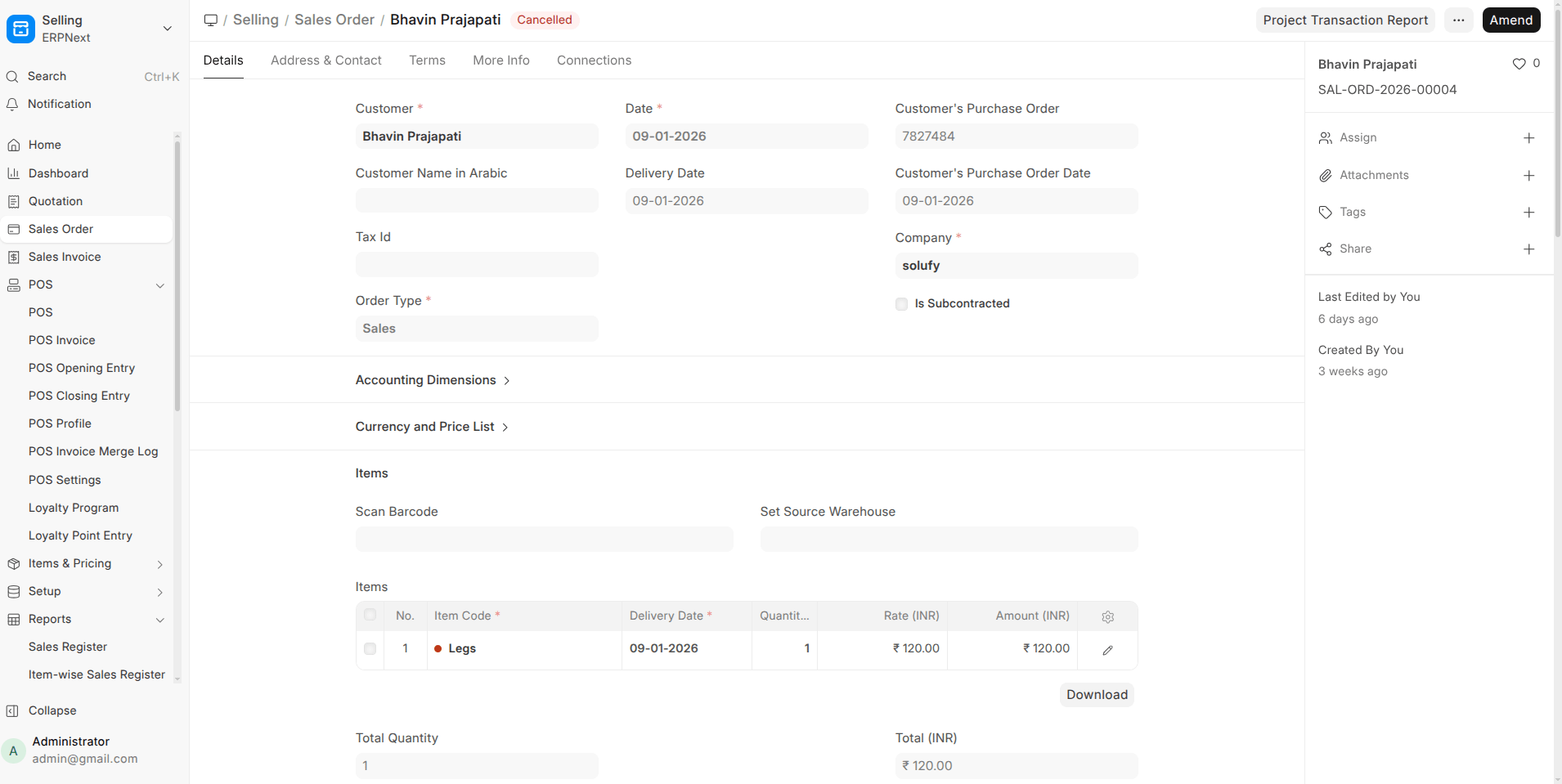
- Sales Order → Delivery Note Cut-off Date
Create delivery notes only for items scheduled up to a selected date.
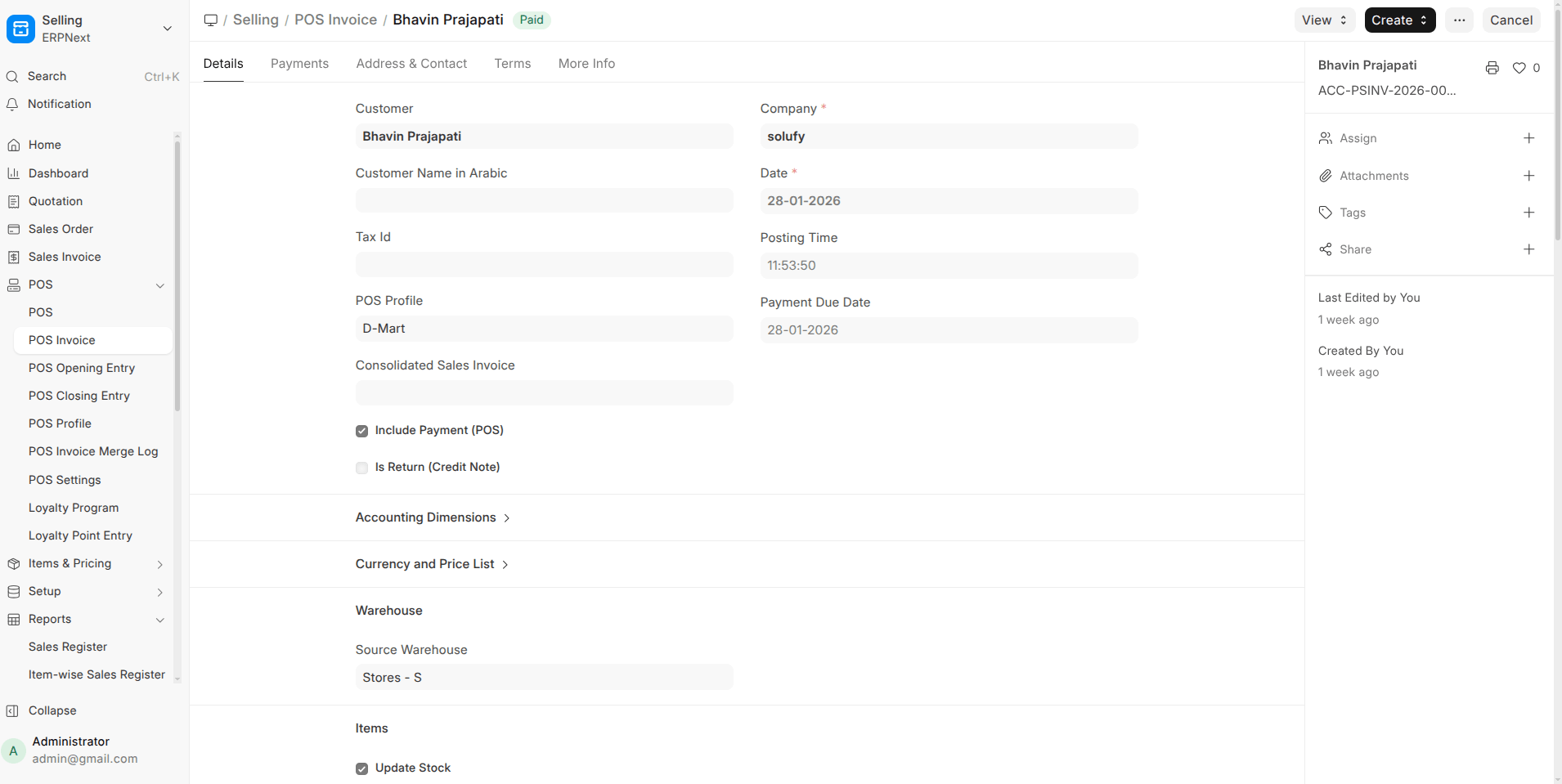
- POS Partial Payments
Accept and track partial payments with proper outstanding handling.
- List-Style Item Selector in POS
Better visibility for long item names when images are hidden.
- Use Sales Invoice in POS
POS can directly create Sales Invoices for real-time accounting.

Localization, Translation & UX
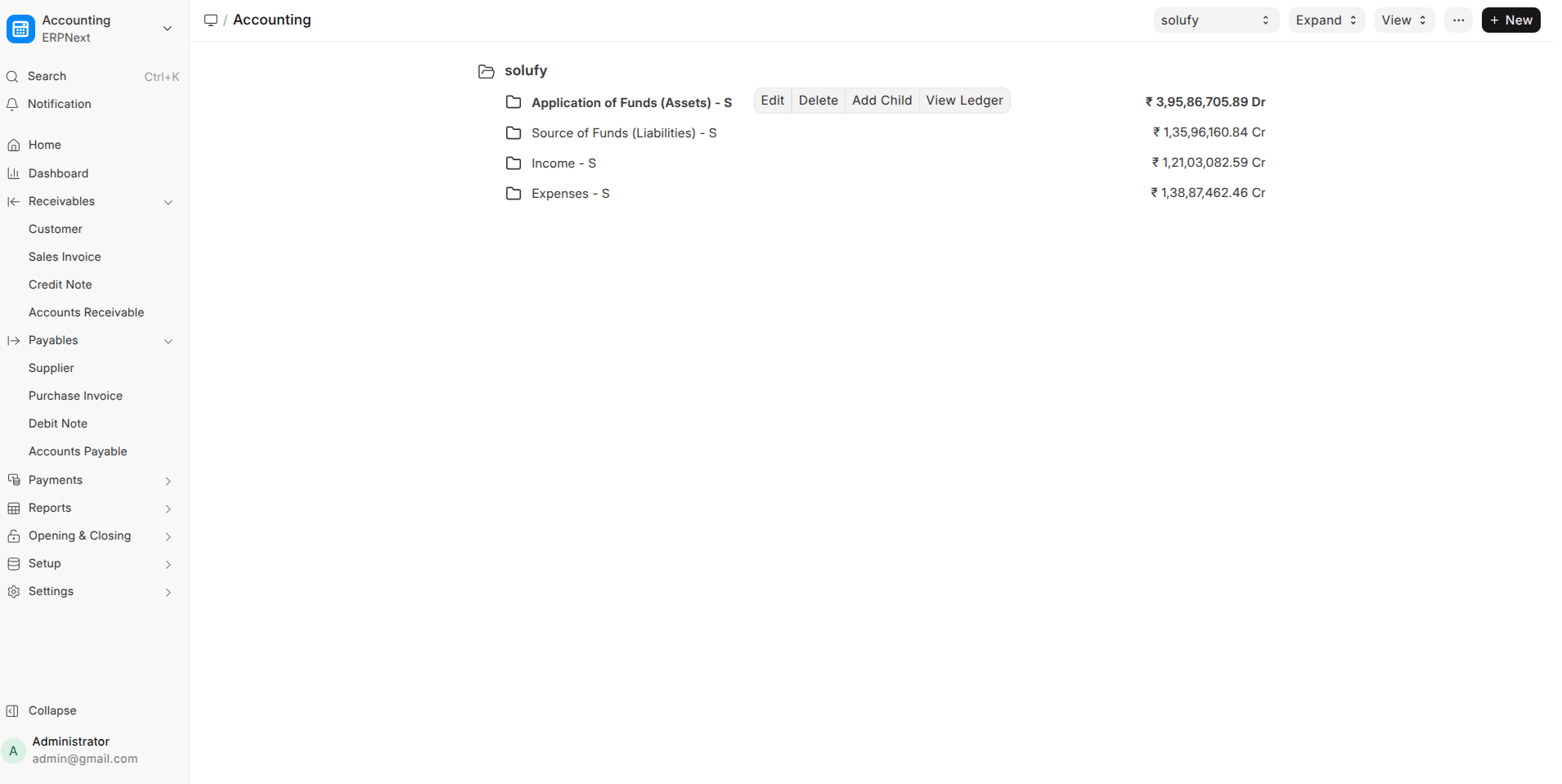
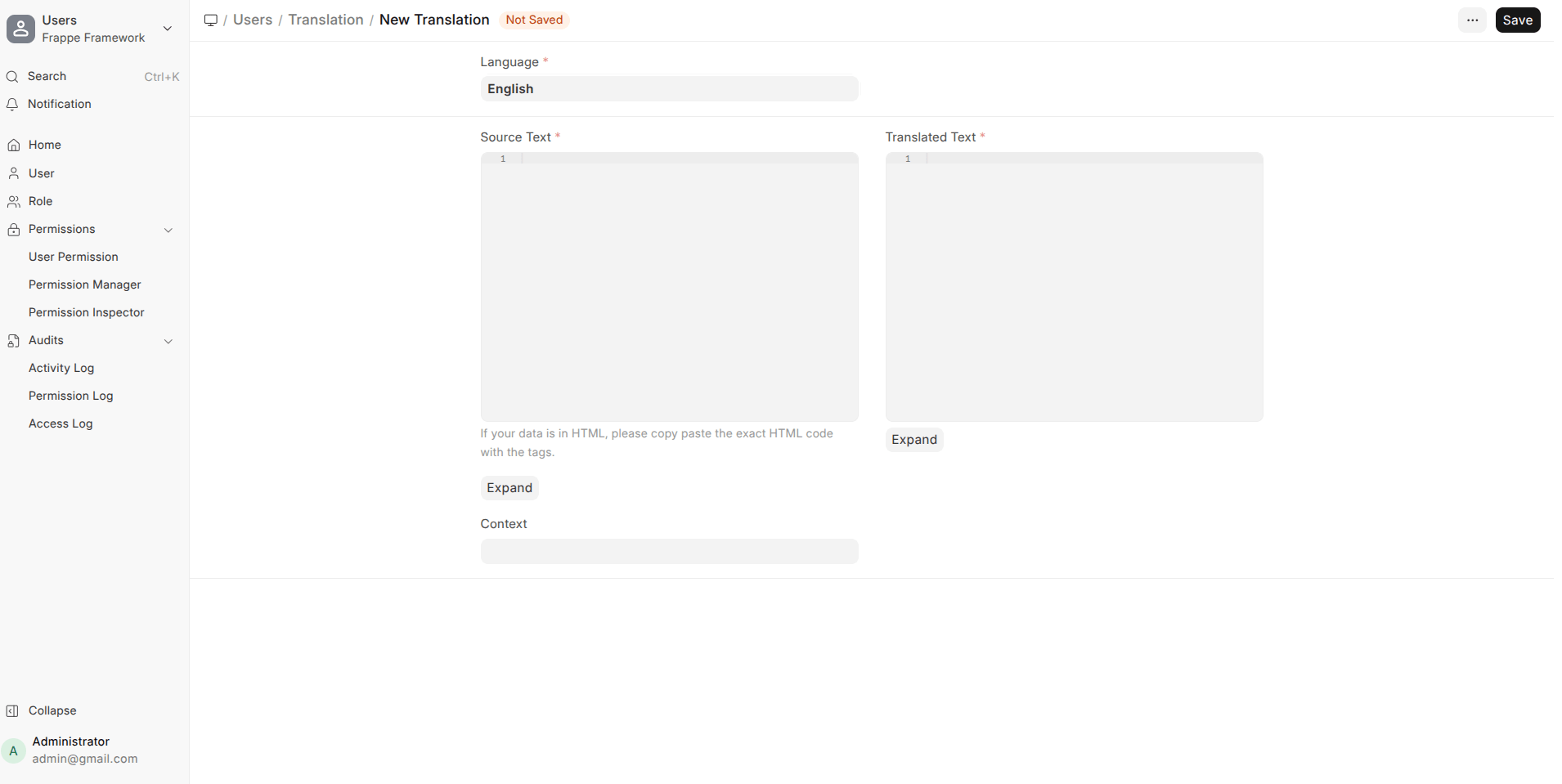
- True Multilingual Support for Masters
Records are stored in English but displayed in translated form (UOMs, setup records, labels).
- Context-Aware Field Translations
Same field names can now translate differently based on DocType.
- Tree Views Hide Disabled Records by Default
Cleaner Account, Warehouse, and Department trees.
Traceability, Linking & Automation
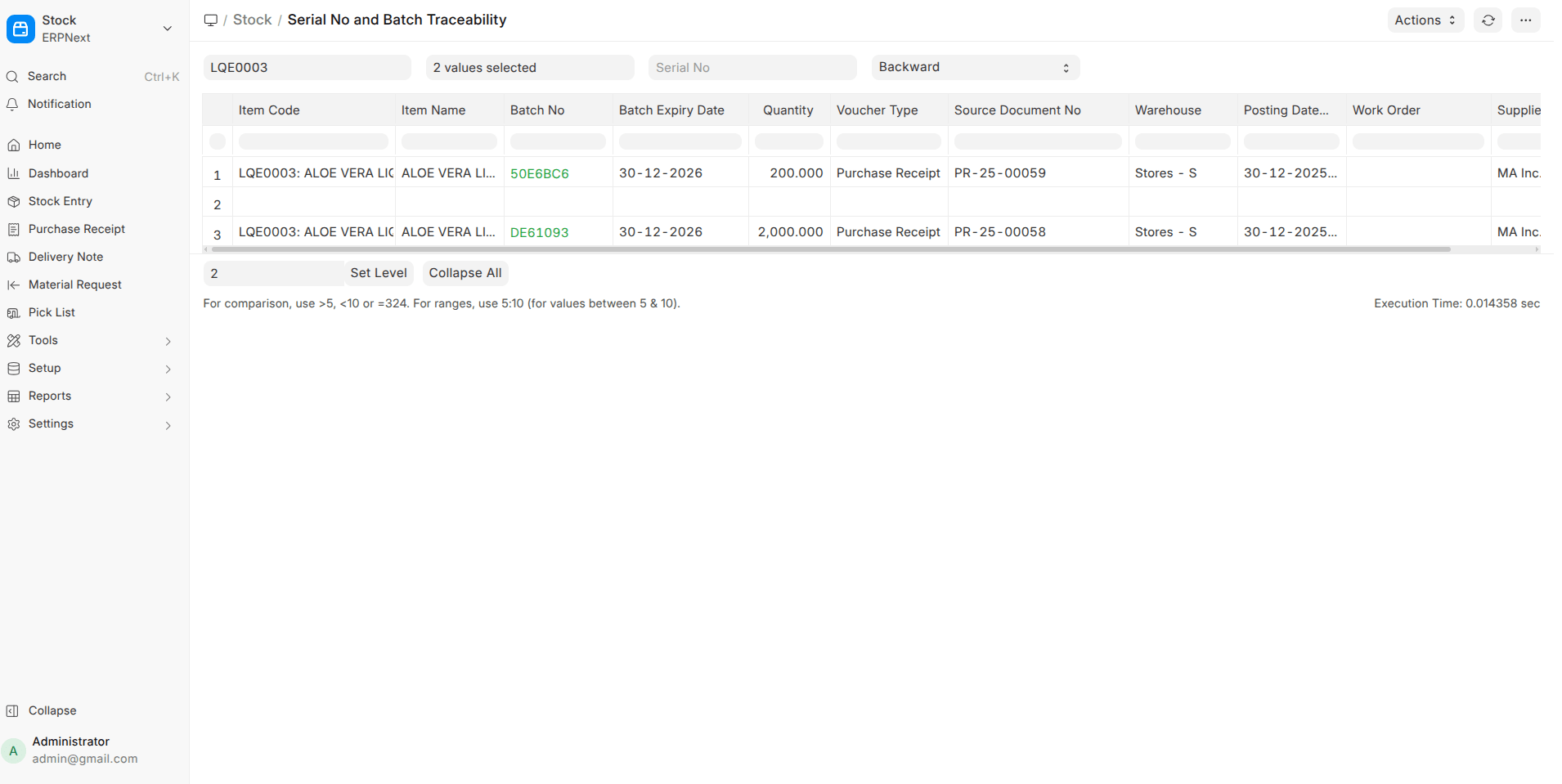
- Serial & Batch Traceability Report
Full backward and forward trace with clickable source documents.
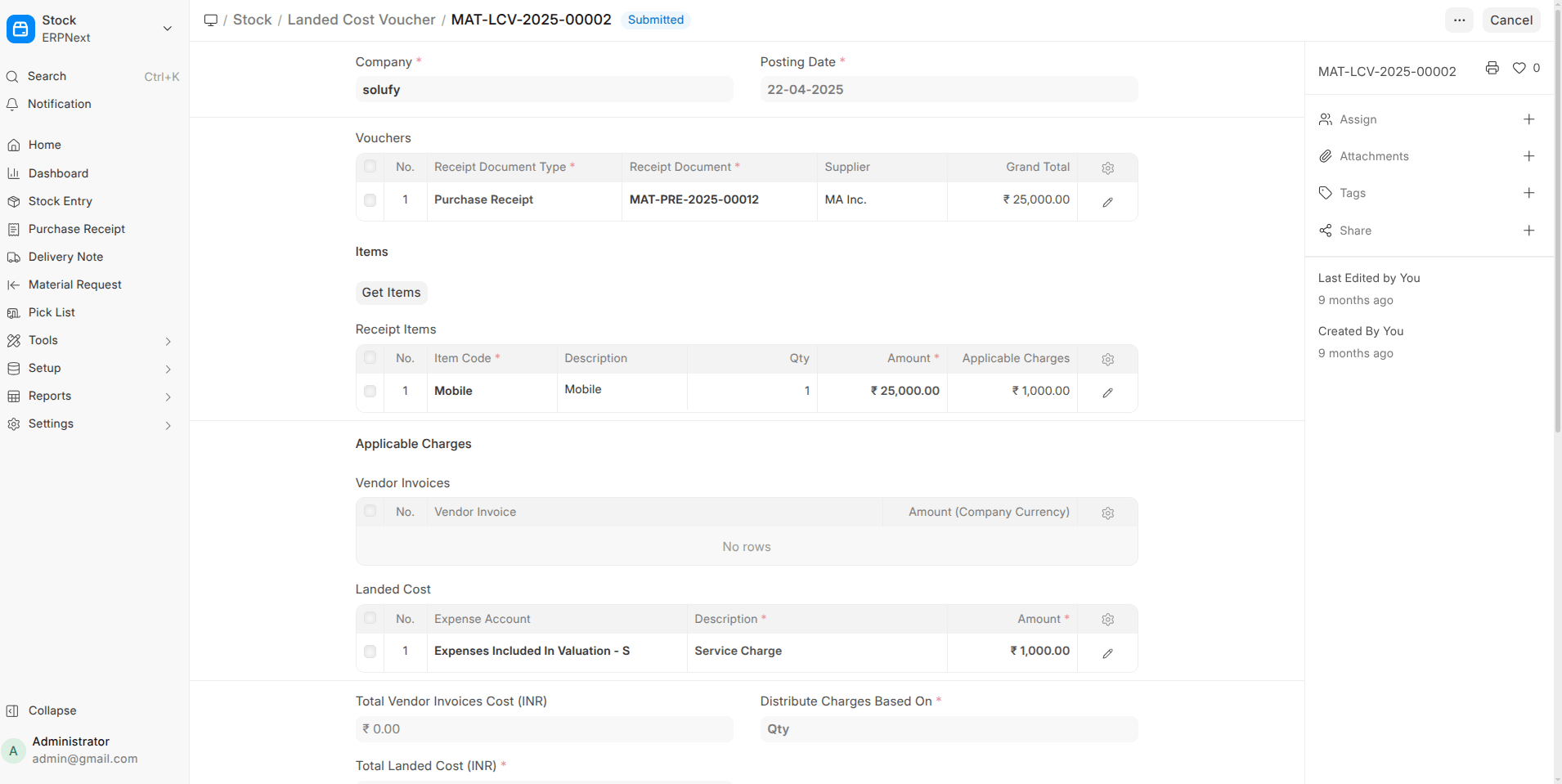
- Landed Cost Improvements
- Link vendor invoices directly
- Link to Work Orders & Subcontracting Receipts
- Submission no longer blocked if totals mismatch
- Email Append-to for Purchase Invoice
Incoming emails can now create draft purchase invoices automatically.
System & Admin Enhancements
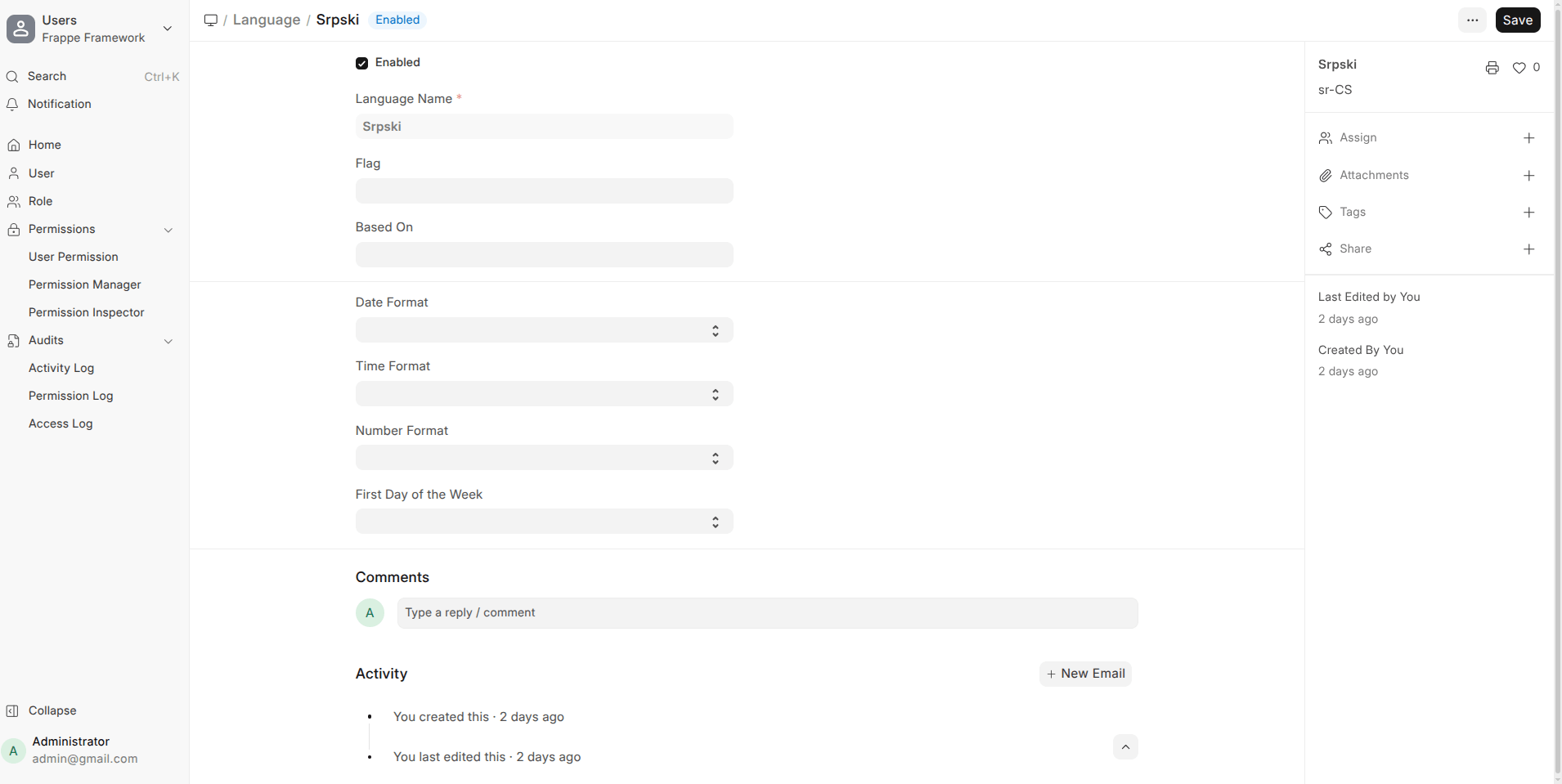
- Deprecation Warnings with Version Timelines
Clear alerts when features are scheduled for removal.
- .ABBR. in Naming Series
Automatically include company abbreviation in document numbers.
- Company-Specific Manufacturing Warehouses
No more global manufacturing warehouse setting.
⭐ Frappe v16
Form Builder & Data Handling
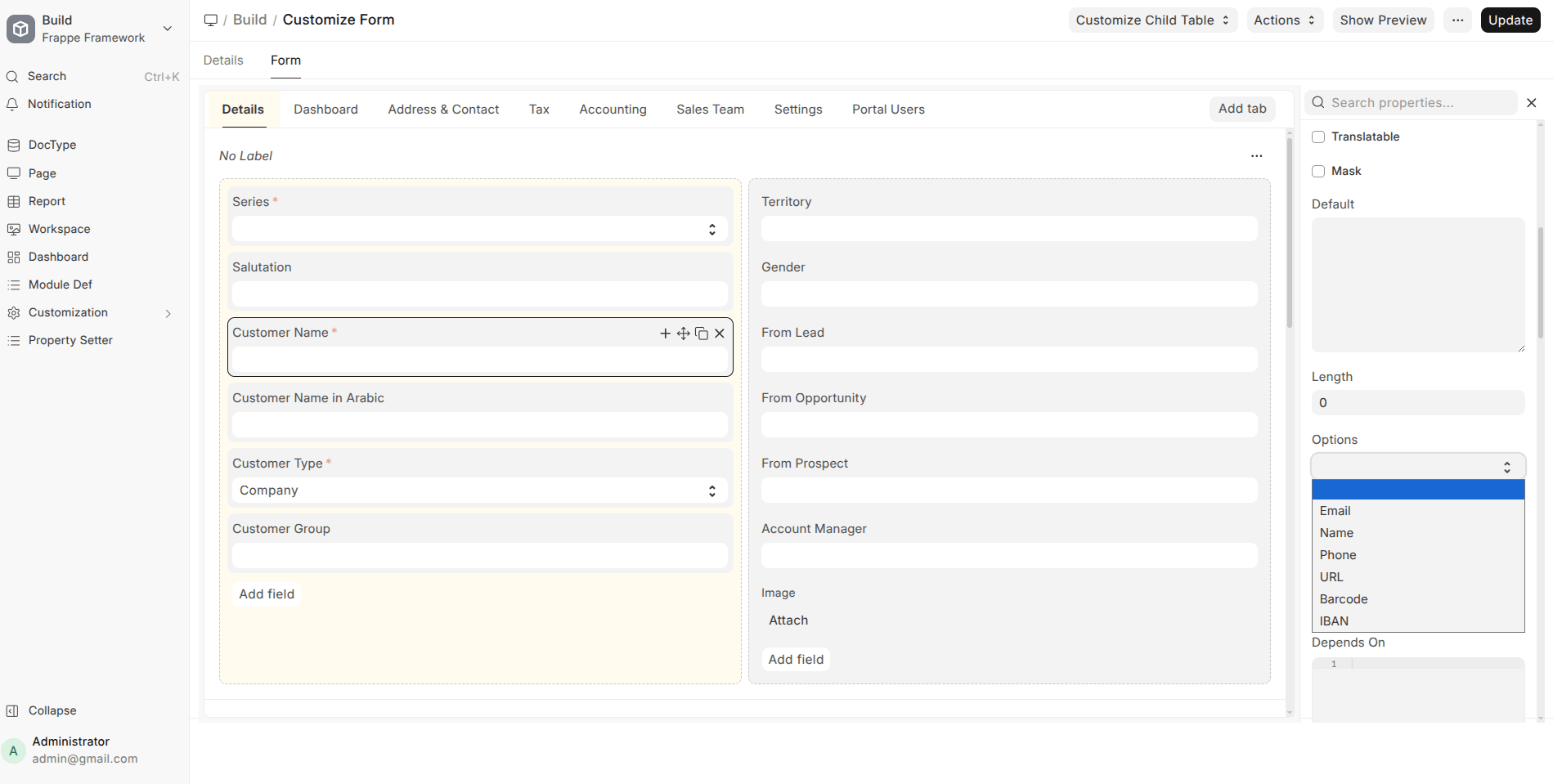
- Smart Options Dropdown for Data Fields
When a Data field is selected, the Options field now becomes a dropdown with common presets like Email, Phone, URL, Barcode, IBAN, etc. This reduces configuration errors and speeds up form design.
- Link Field Creation with Pre-filled Filters
Creating a new record from a link field now carries forward the applied filters, saving time and avoiding duplicate or incorrect data entry.
- Plain-Language Filters
Filter operators are now shown in readable language like “is after” or “not equals” instead of symbols, making filters easier for non-technical users.
- Checkbox Filters Made Human-Readable
Filters now display “is enabled / is disabled” instead of numeric values, improving clarity.
Navigation & Workspace Experience
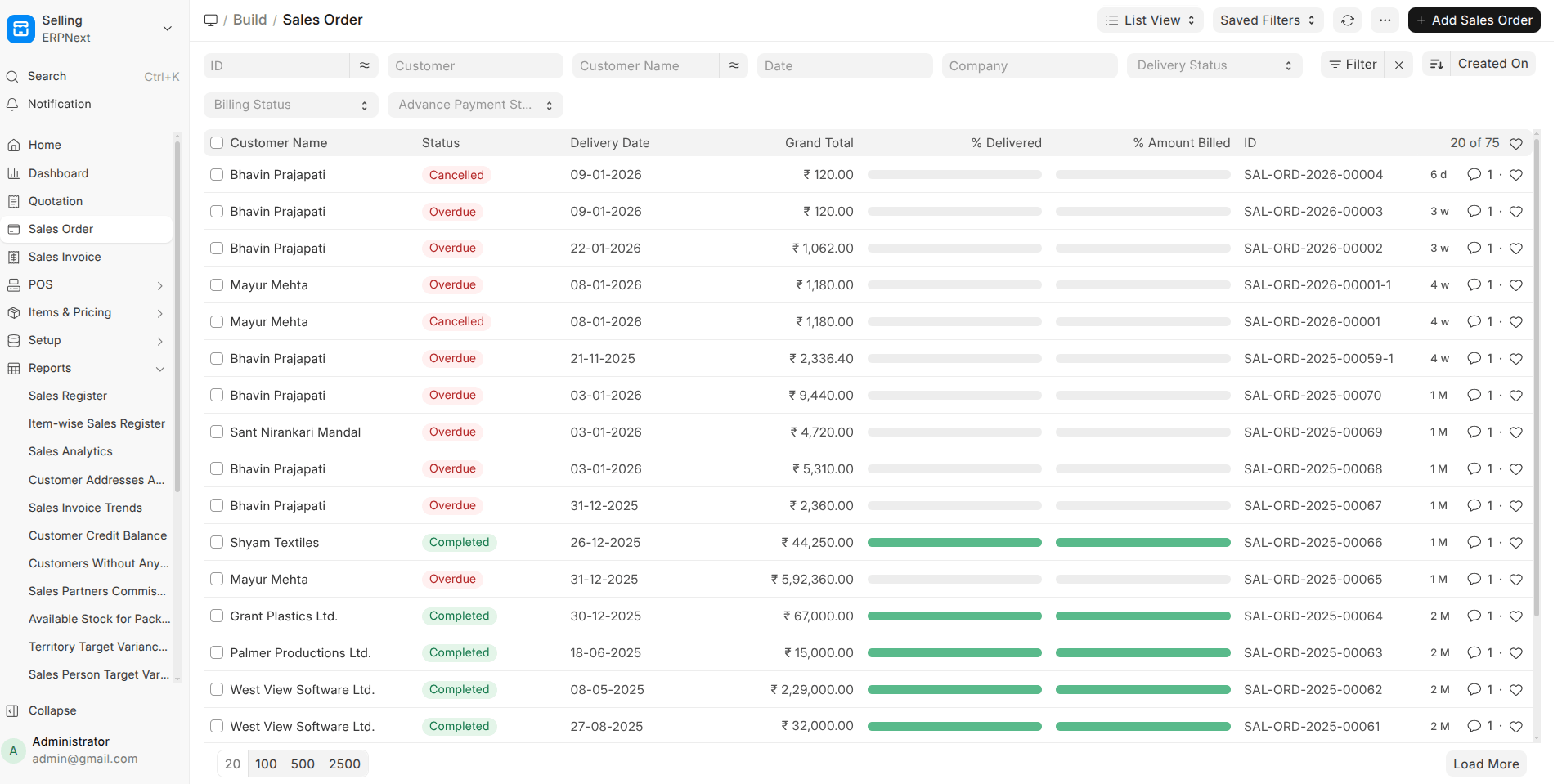
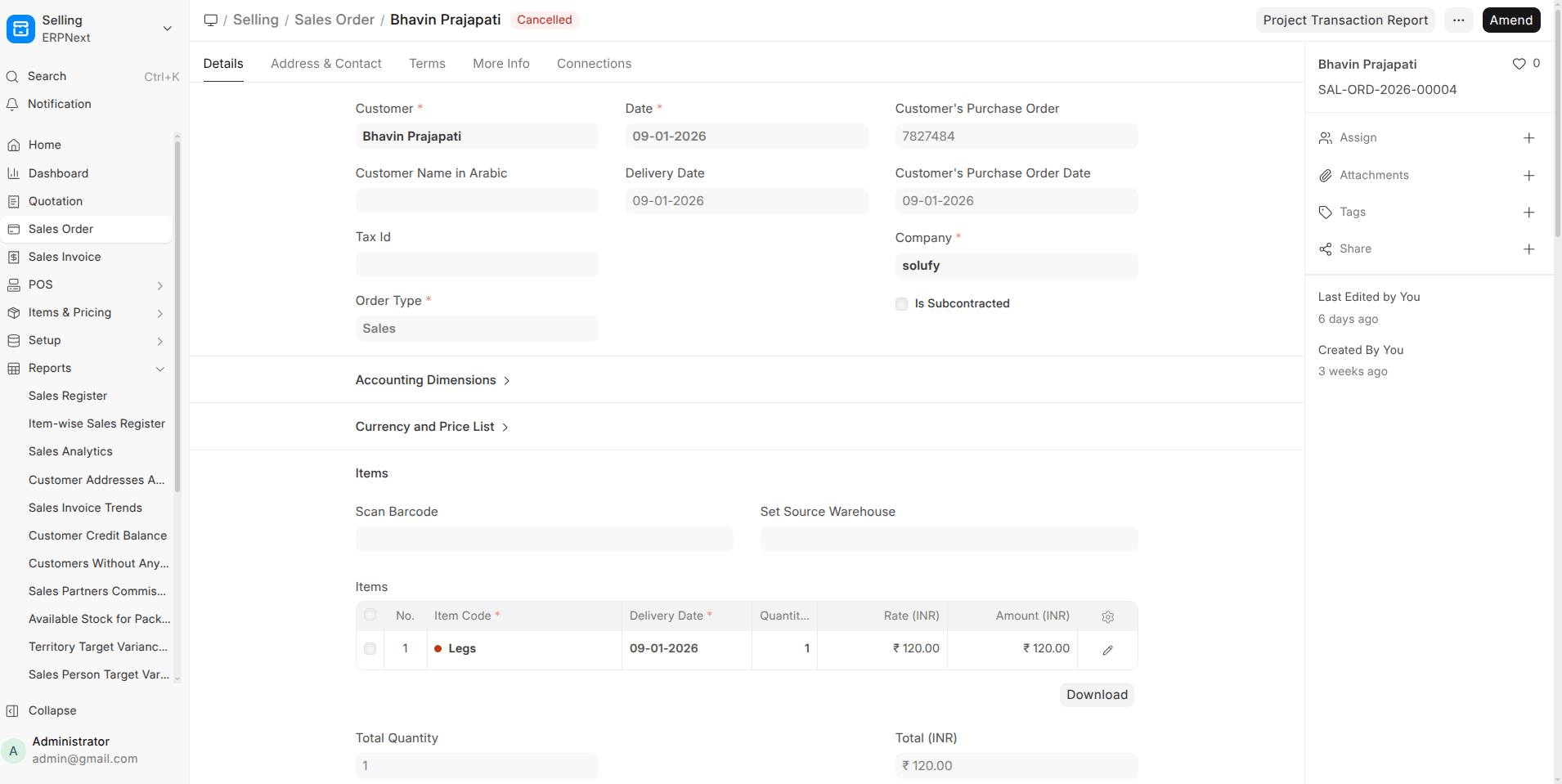
- Document Titles Instead of System IDs
The navigation bar now shows a document’s title (when available) instead of its internal name, making navigation more intuitive.
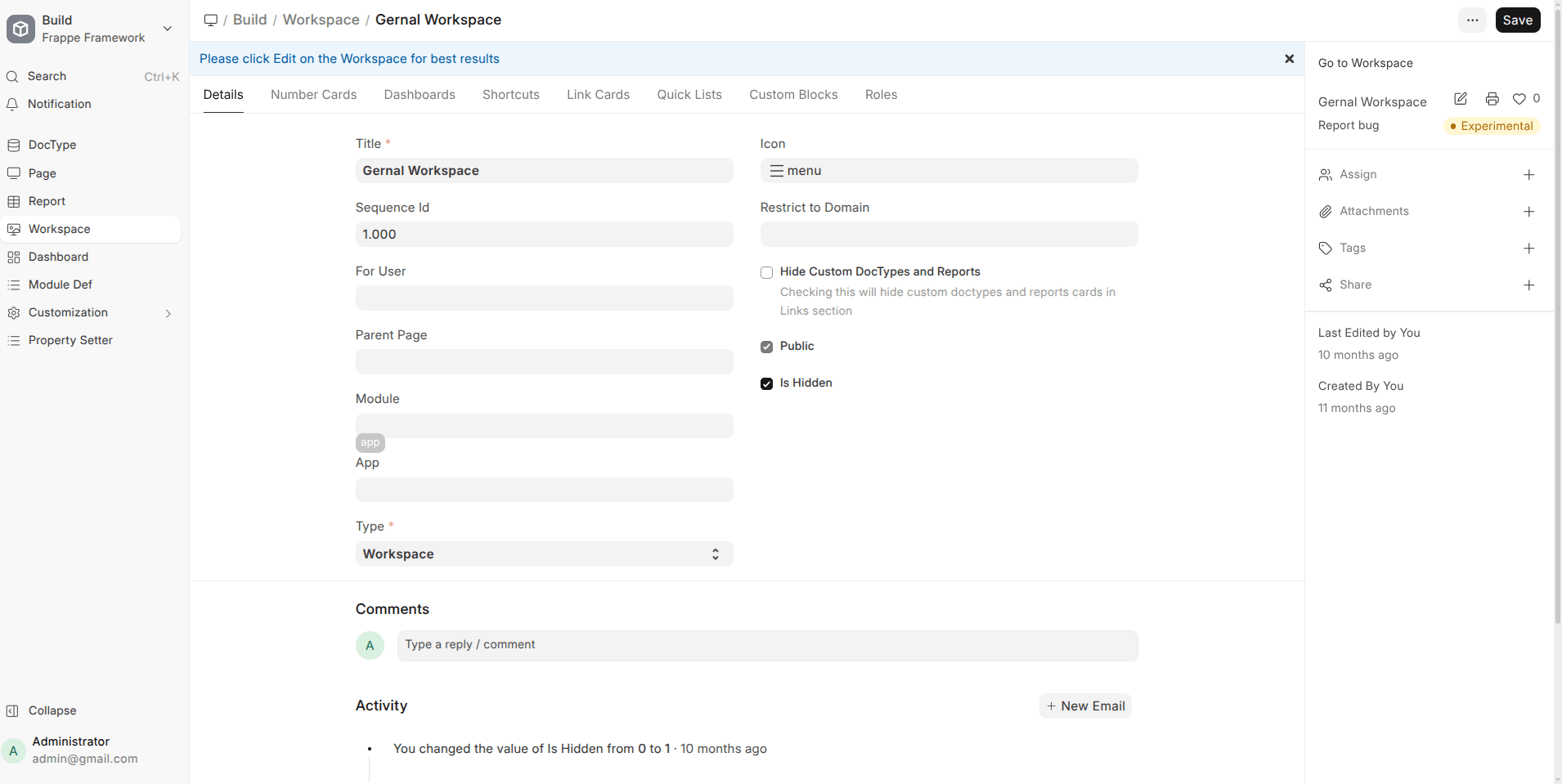
- Unified Workspace Sidebar Icons
Desktop icons now open the relevant workspace sidebar directly, simplifying navigation and reducing confusion.
- Workspace Sidebar Filters
Sidebar links can now open lists with predefined filters applied, making workspaces more powerful and task-oriented.
- Sidebar Highlights Current Page
The sidebar now correctly highlights the page you’re viewing, even with anchors or filtered URLs.
Mobile & Responsive UI Improvements
- Single Mobile Navigation Bar
The two mobile nav bars are merged into one, with a dedicated sidebar button for faster access.
- Improved Mobile Layouts
Titles, status indicators, buttons, and sidebars now render correctly on small screens without overlap or hidden elements.
- Better Touch & Visibility Handling
Action buttons no longer get cut off, and pop-ups appear above sidebars instead of behind them.
Export, Print & PDF Handling
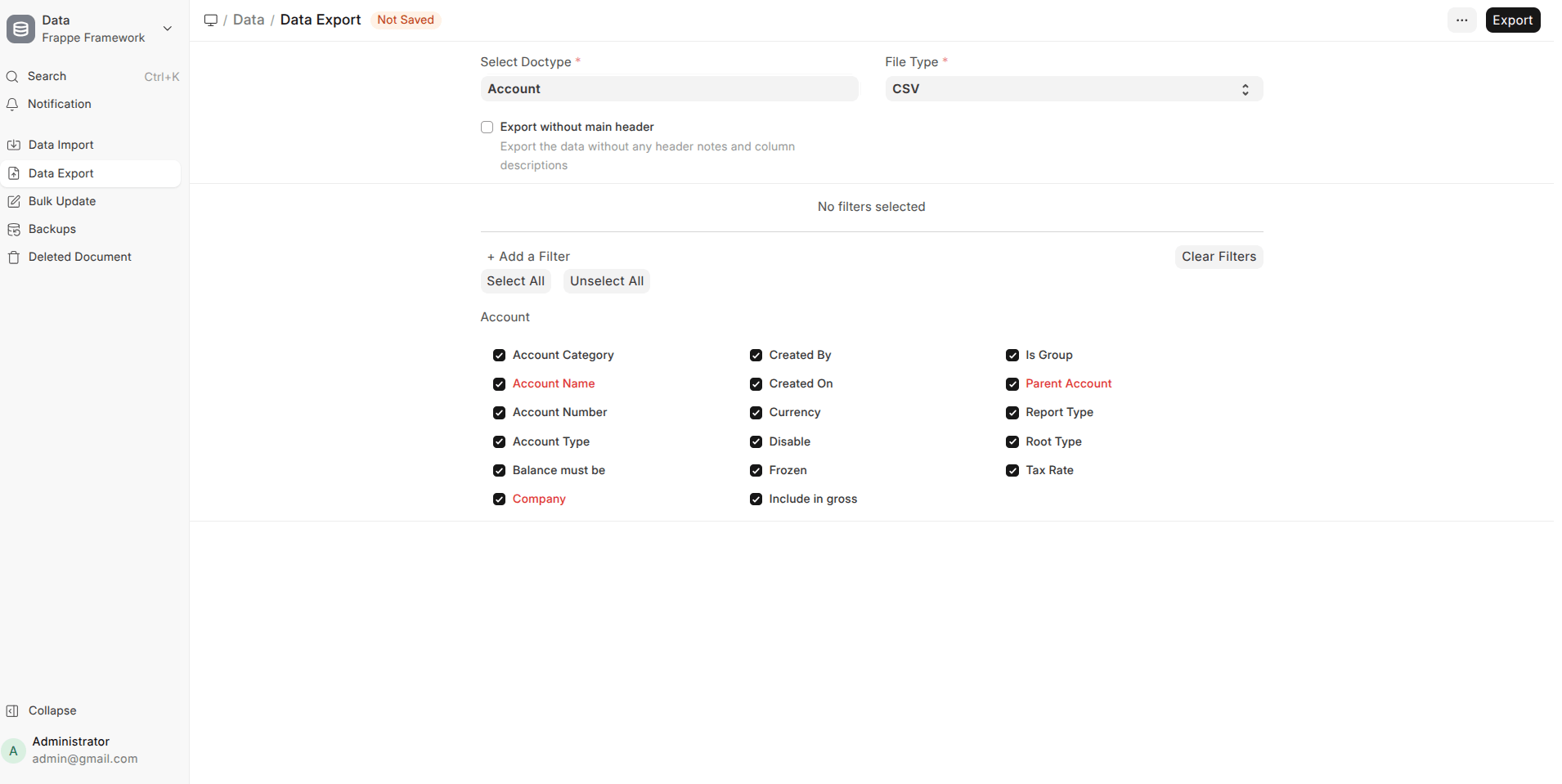
- Searchable Data Exporter
The Data Export dialog now includes a search box to quickly find fields, hiding irrelevant sections automatically.
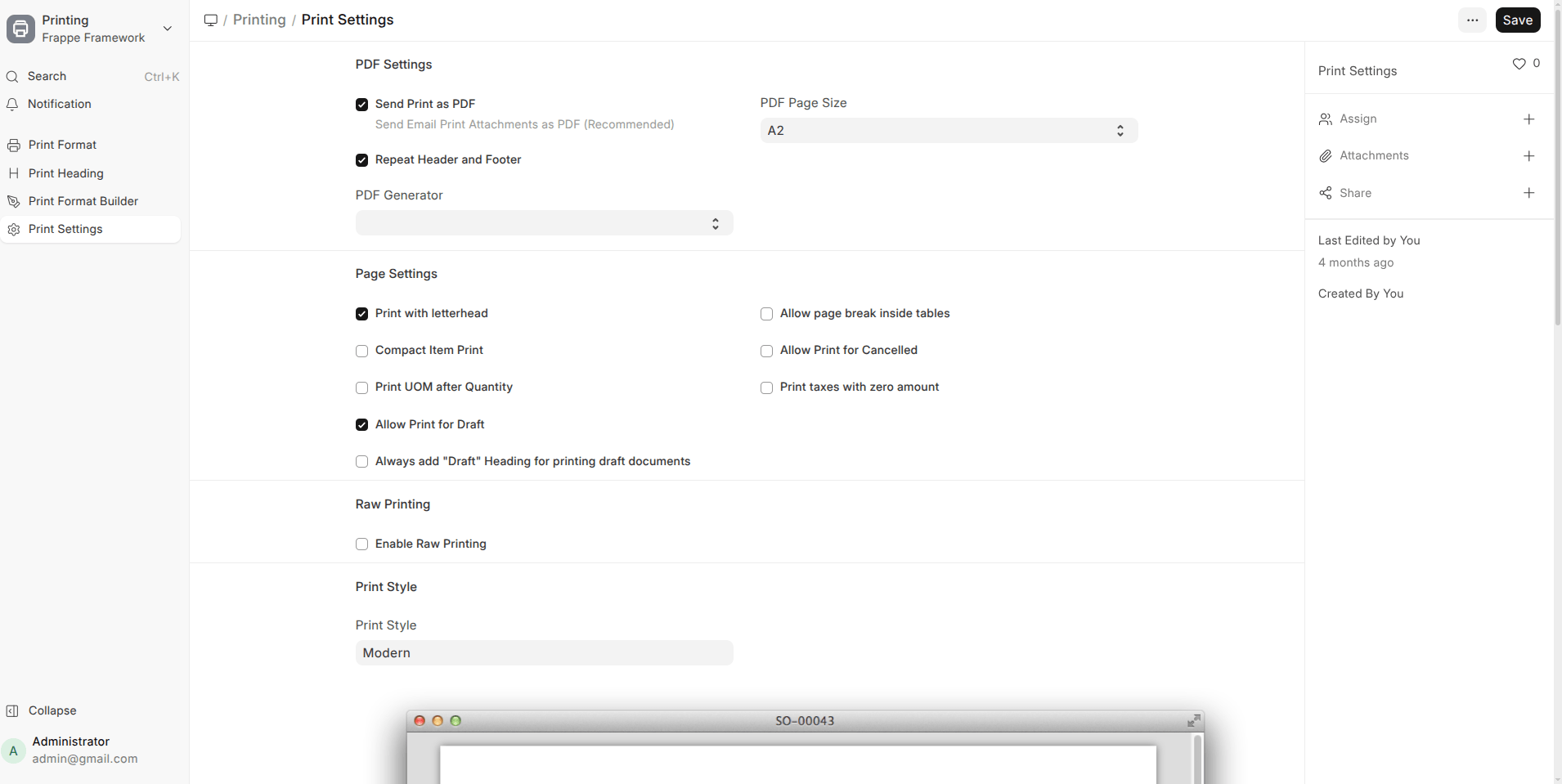
- PDF Generator Choice
Users can now choose between Chrome and wkhtmltopdf for PDF generation directly from Print Settings.
- Improved PDF Stability
PDF generation now respects the system’s Chromium path instead of downloading a separate binary.
Email & Communication
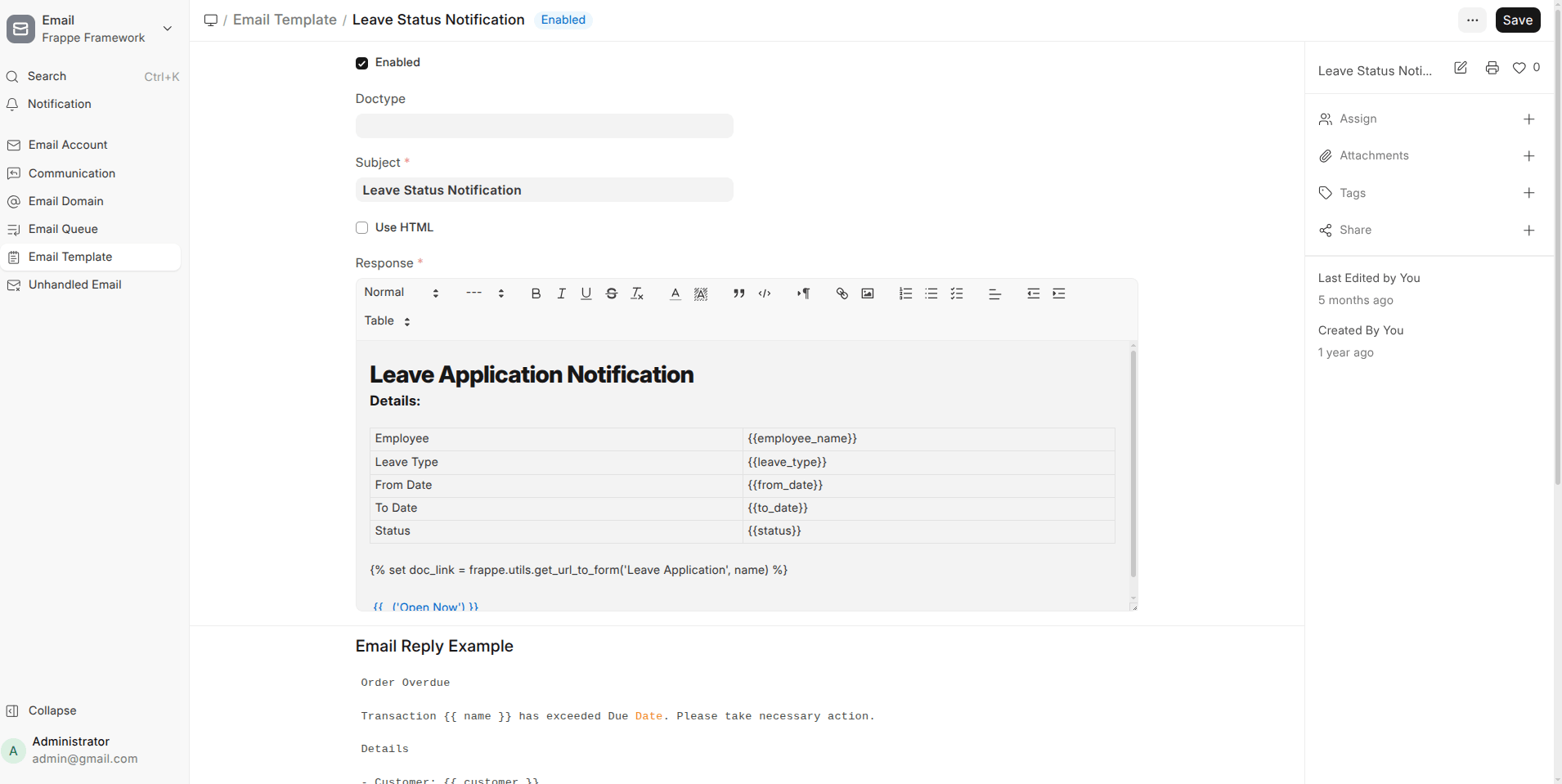
- HTML Email Support
Email Templates and the email dialog now support raw HTML, optional default CSS, and flexible placement of signatures and footers.
- More Reliable Email Sending
Several fixes ensure emails are sent only when queues are correctly created, preventing silent failures.
UI & Visual Polish (High Impact, Low Noise)
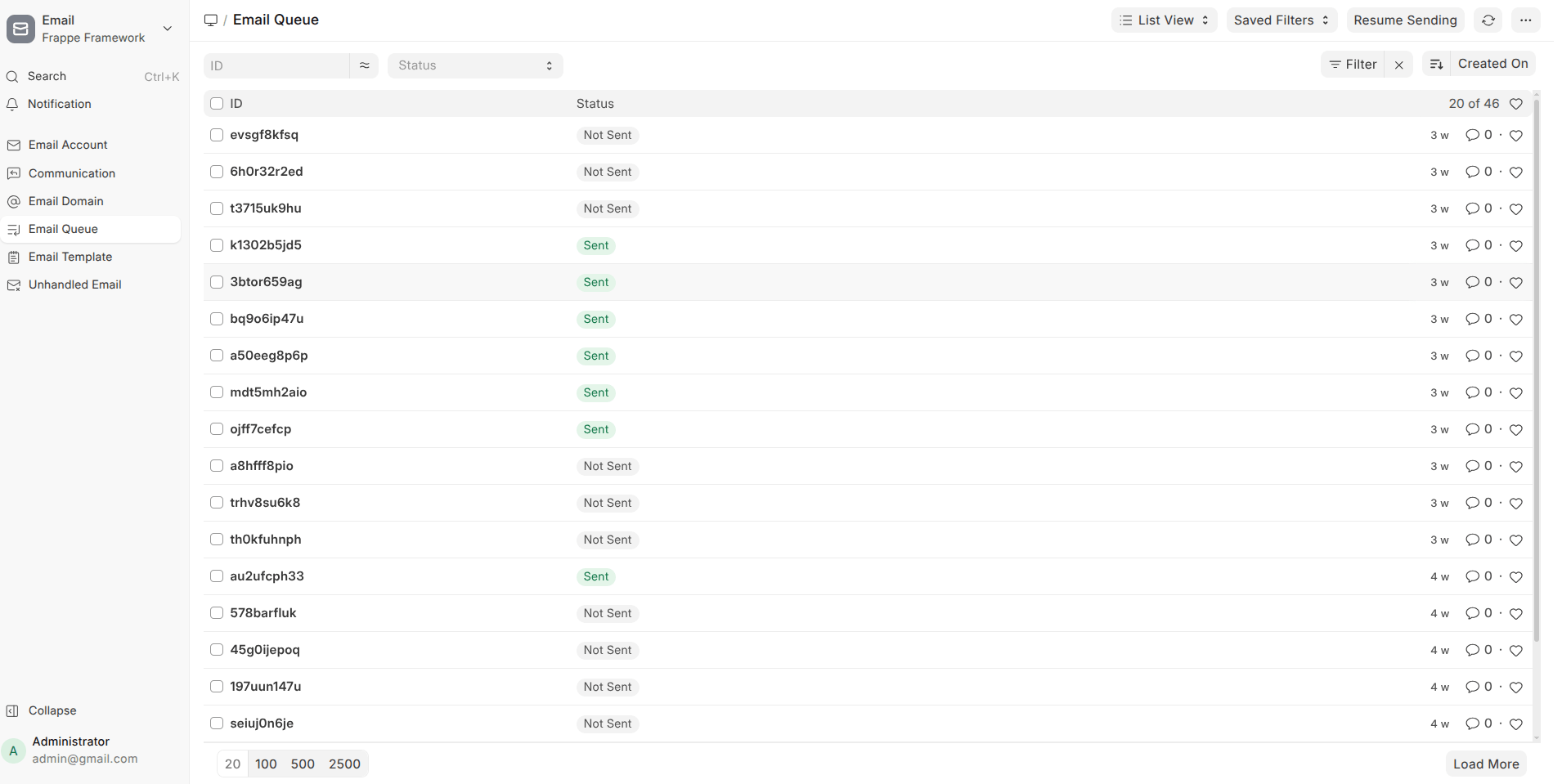
- Cleaner Lists and Sidebars
- Long labels truncate properly with ellipsis
- Duplicate scrollbars removed
- Icons removed where unnecessary to reduce clutter
- Consistent Spacing & Alignment
Forms, widgets, charts, and navigation bars now feel more uniform and polished.
- Improved Readability
Larger fonts and better contrast for timelines, comments, and headers.
Search, Filters & Lists
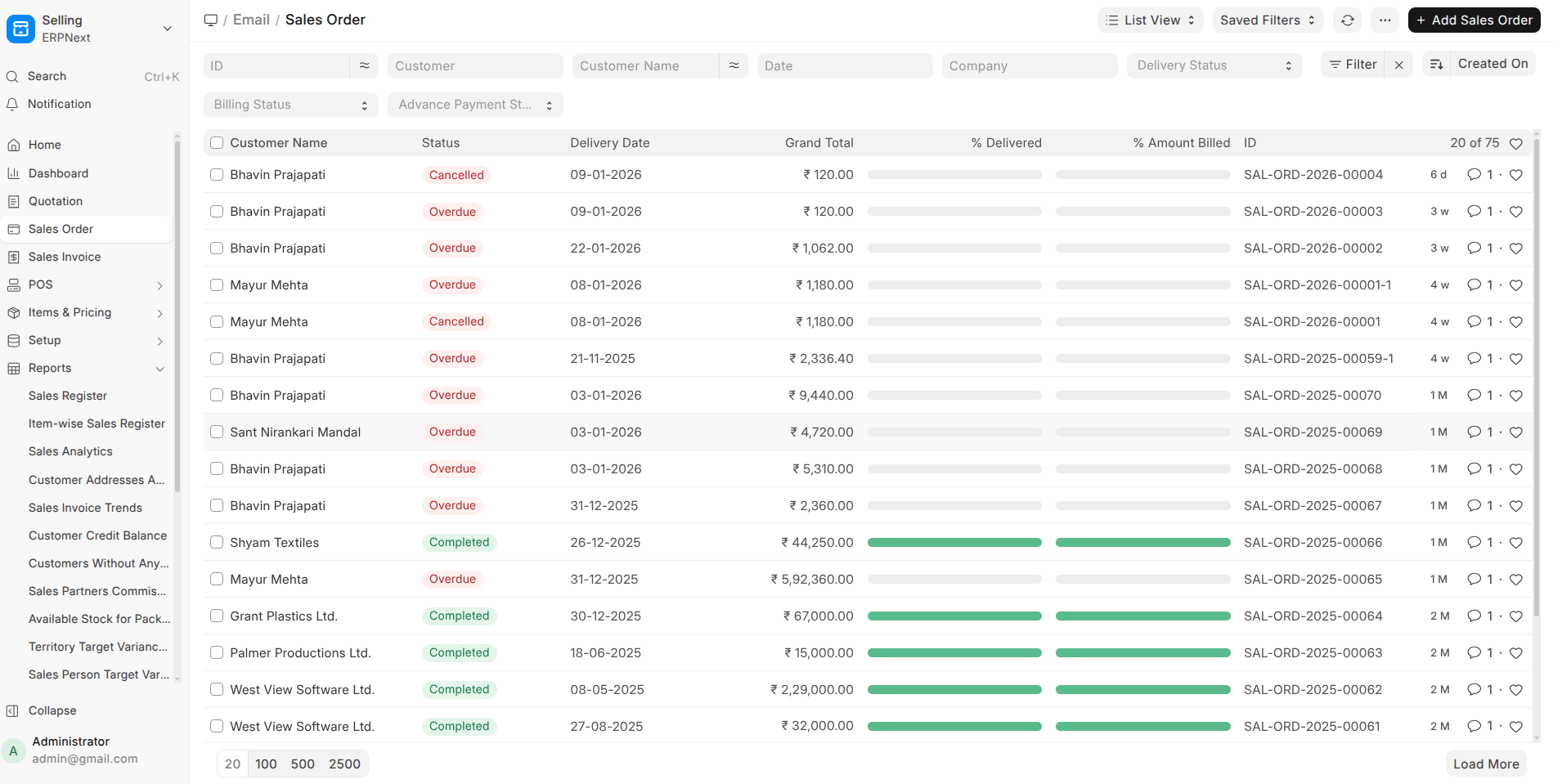
- No More Duplicate Search Results
Records no longer appear multiple times after reindexing or updates.
- Translated Filter Values
List filters now show translated option names and retain selections after refresh.
- Improved Query Handling
Permission filters, joins, and database-specific functions now behave correctly across MariaDB, PostgreSQL, and SQLite.
System, Developer & Stability Improvements
- Default SQL Query Support
A single default SQL query can now be used across database engines, reducing duplication in code.
- Custom Naming Series Priority
Custom parsers now apply before standard rules, allowing better control over document names.
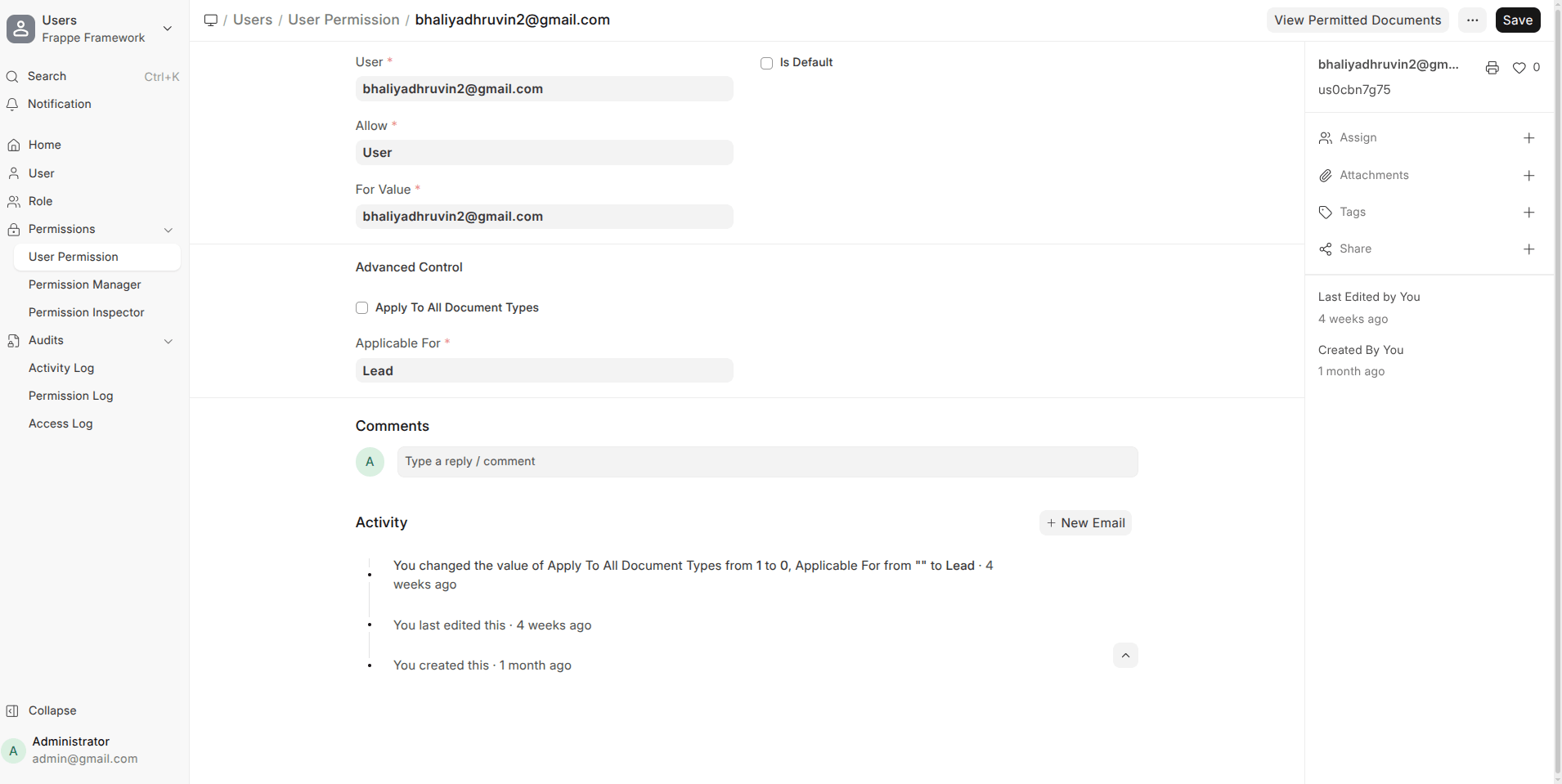
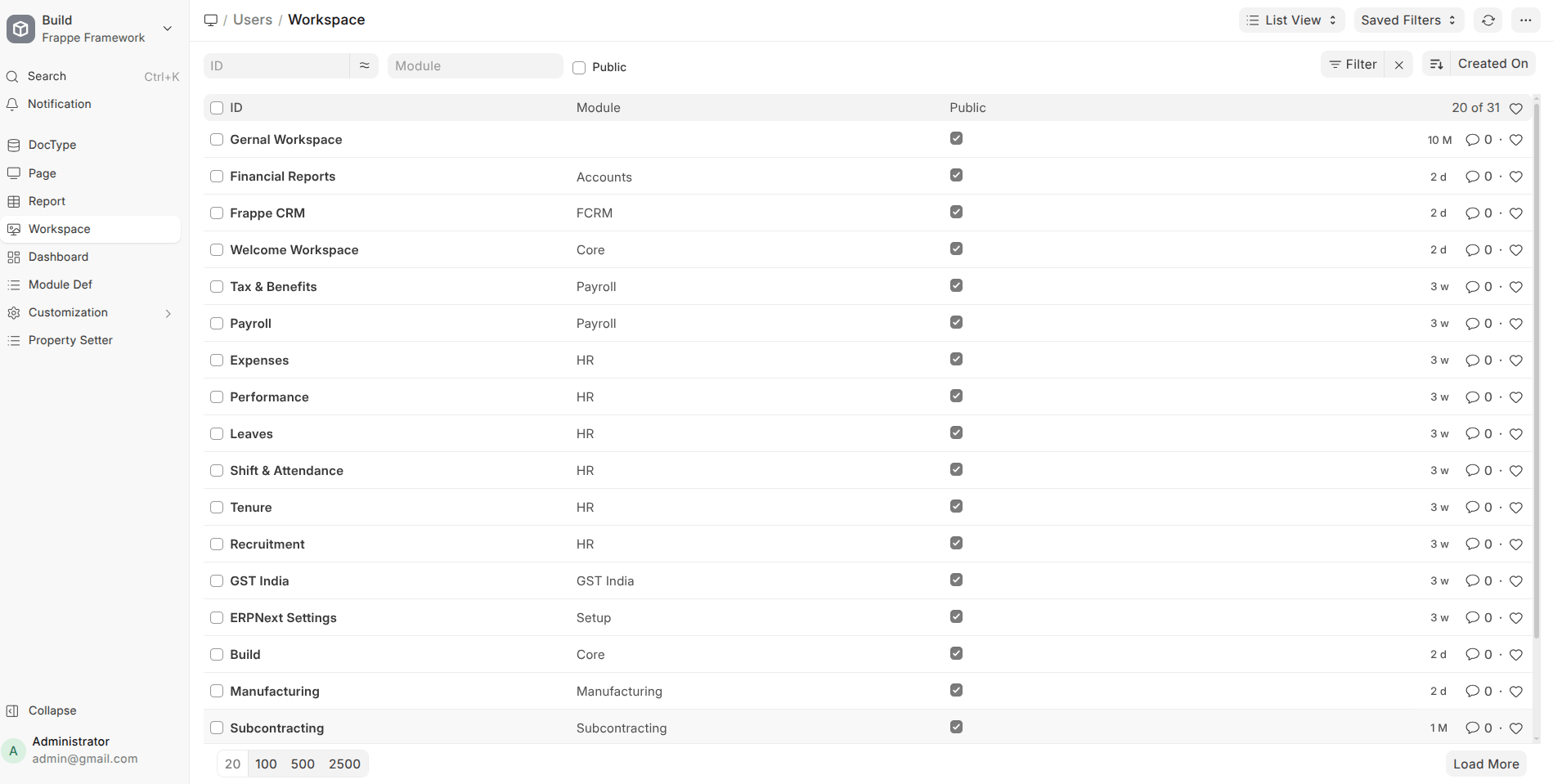
- Cleaner Workspace Management
Orphaned workspace and sidebar entries are automatically removed, reducing UI clutter.
- Better Error Handling
Clearer warnings for long field values and missing records prevent unexpected crashes.
Best Improved Features in Frappe HRMS v16
Mobile App / PWA (Biggest Win in v16)
HRMS v16 makes a strong push toward mobile-first usage with a much more complete PWA experience.
- Mobile App Starter (PWA)
A solid foundation for running HRMS as a Progressive Web App, reducing dependency on native apps.
- Core HR Actions on Mobile
Employees can now:
- Apply and manage Leaves
- Submit Expense Claims
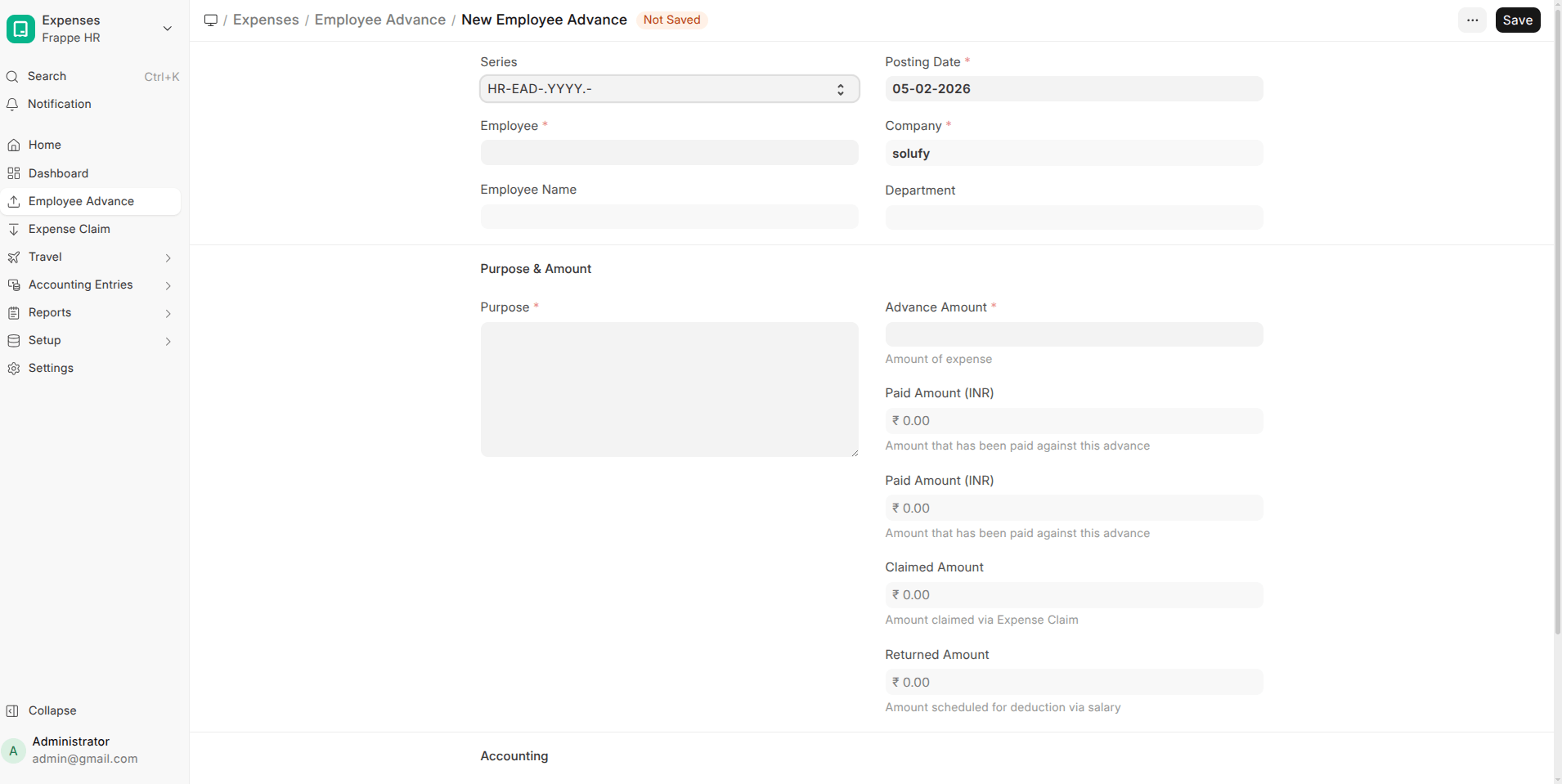
- Request Employee Advances
- Salary Slip Access
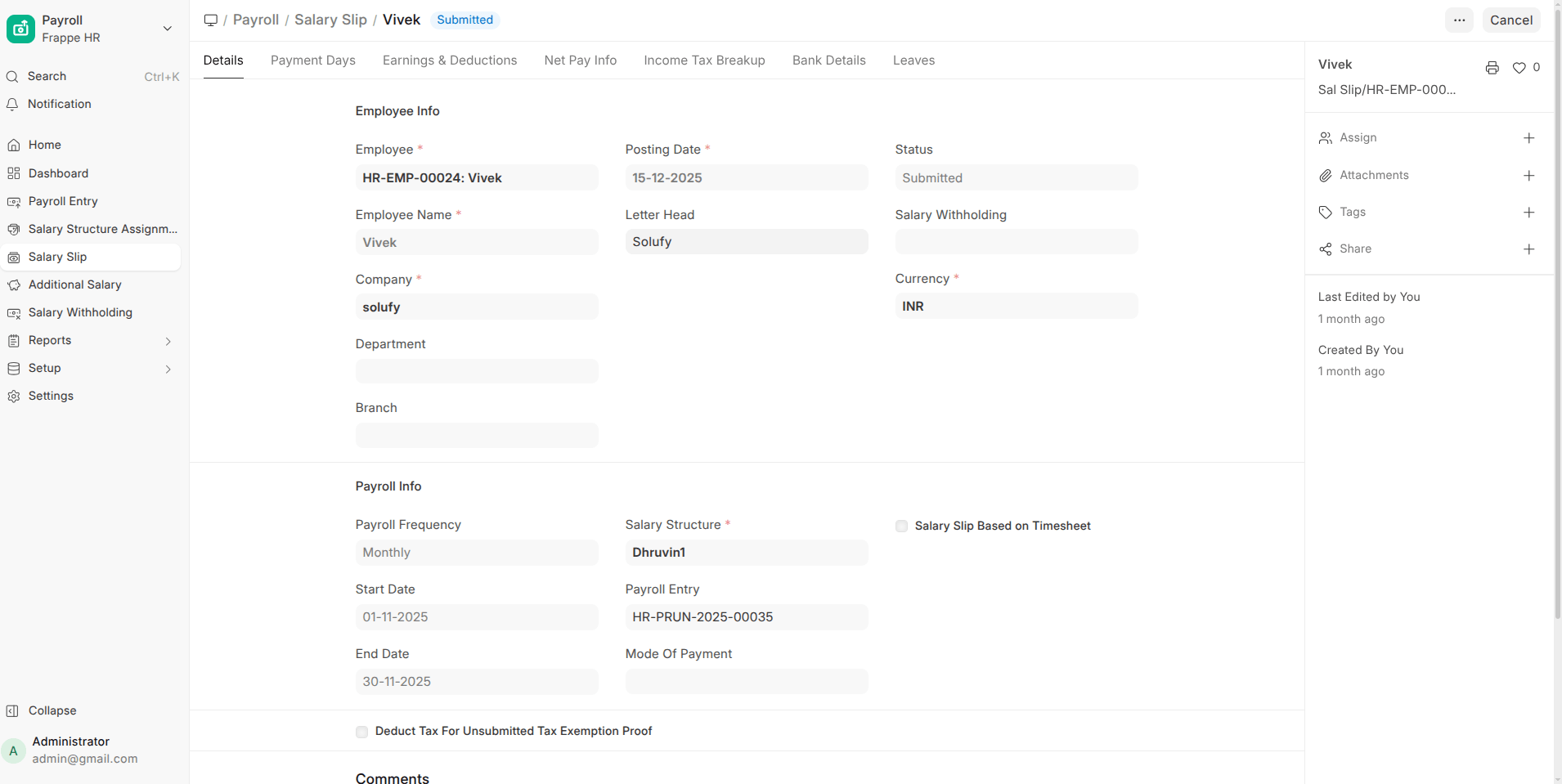
Employees can view and download Salary Slips directly from the PWA.
- Install Prompts & Notifications
The PWA supports install prompts and push notifications, improving adoption and engagement.
- Profile Page in PWA
Employees can view their profile details directly on mobile.
- Bottom Tab Navigation
Consistent bottom tabs and icons make navigation intuitive and app-like.
- Better File Handling
Improved attachment previews, file downloads, and overall document handling in the PWA.
Impact: HRMS is now genuinely usable on mobile for employees, not just a trimmed-down version.
Leave Management Enhancements
Leave workflows received several functional upgrades.
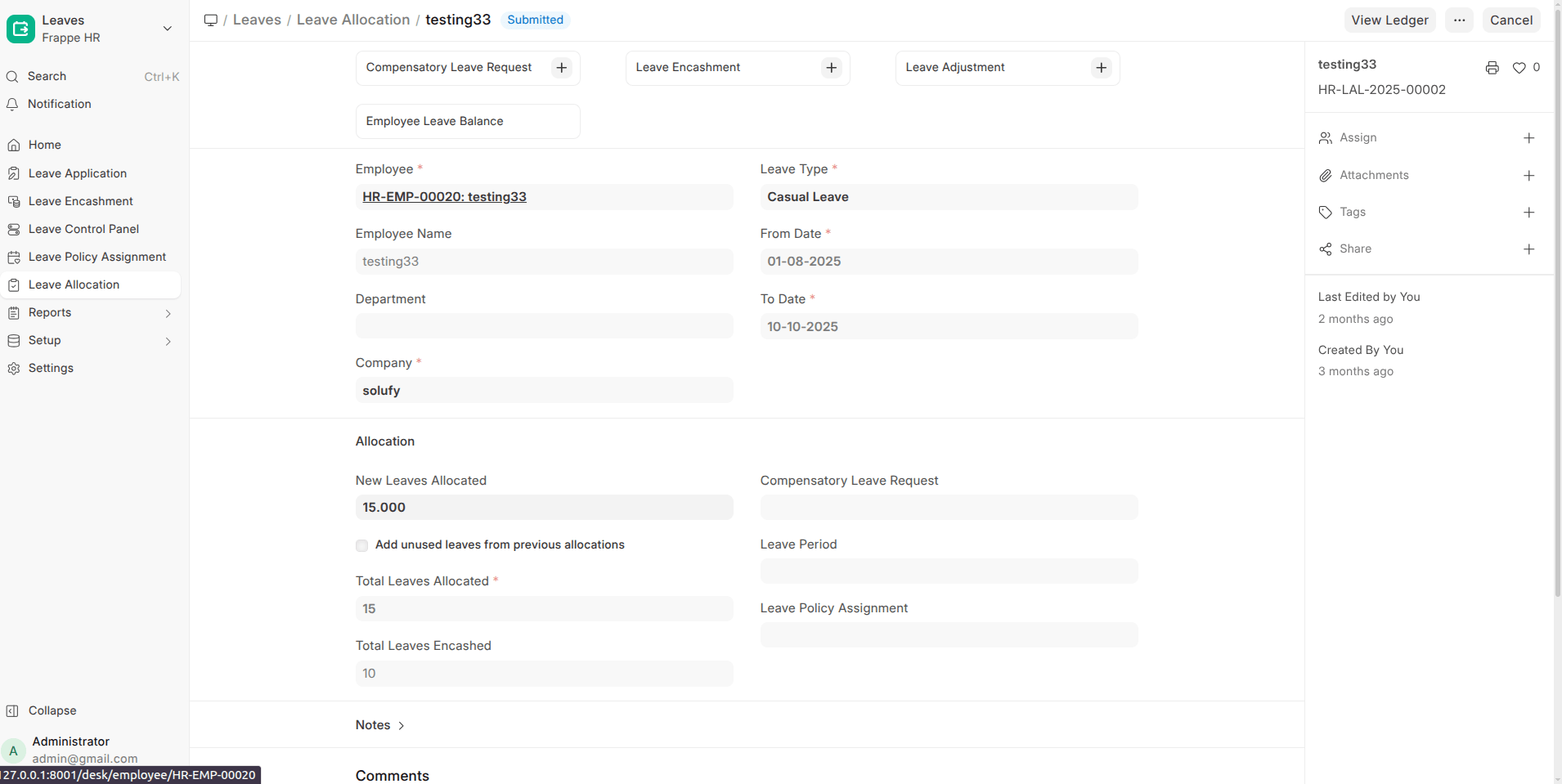
- Leave Adjustment (Major Change)
Redesigned leave adjustment logic for more accurate balance handling.
- Earned Leave Schedule
Supports structured earned leave accrual over time.
- Leave Encashment via Payment Entry
Leave encashment can now be processed cleanly through Payment Entry.
- Holiday List Assignment
Assign holiday lists more flexibly across employees.
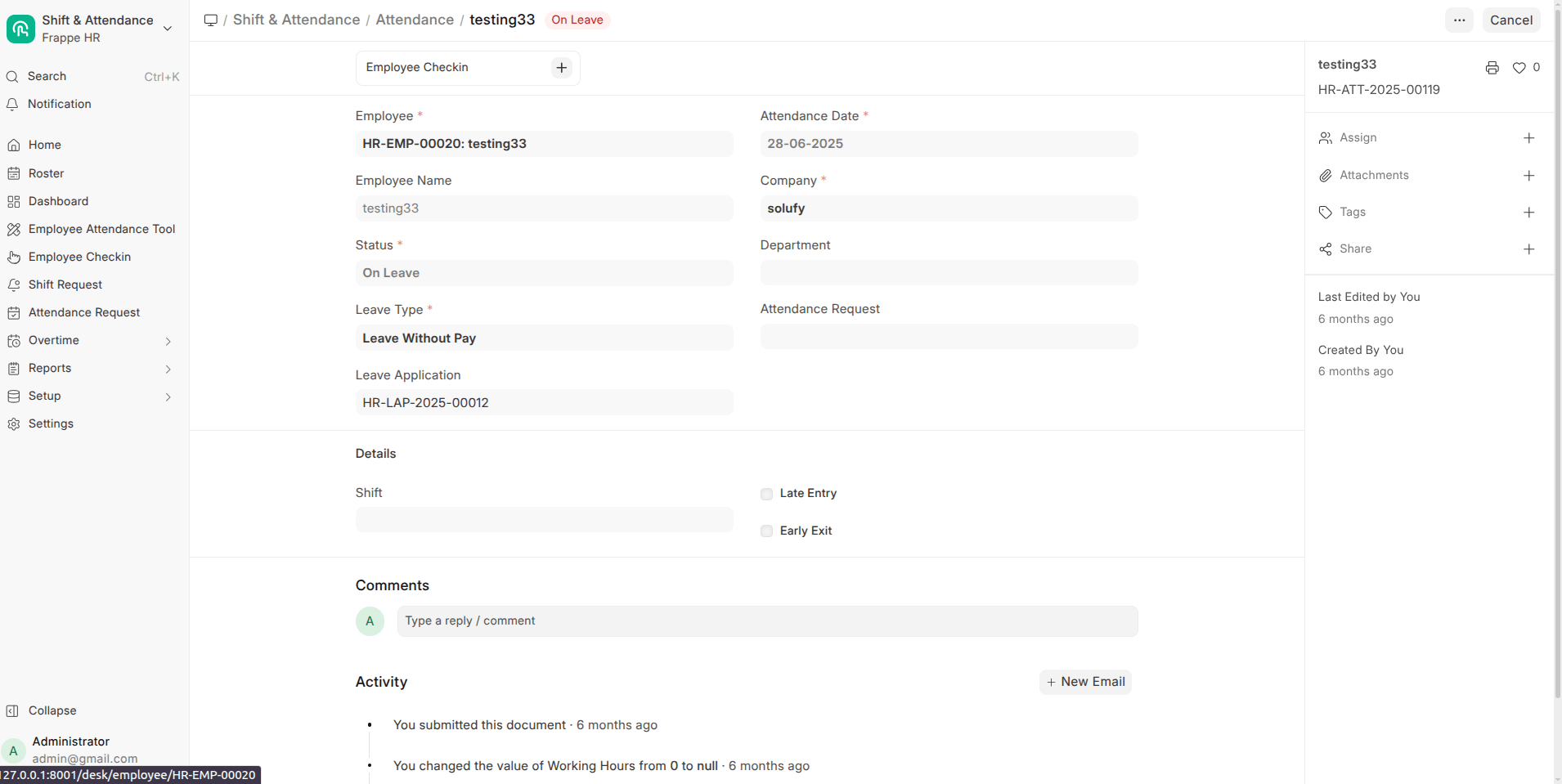
- Attendance-Based Leave Improvements
- Filter unmarked attendance by shift
- Create attendance requests directly from attendance records
Impact: Leave tracking is more flexible, accurate, and payroll-friendly.
Attendance & Shift Management
- Overtime Support
Native overtime tracking added for payroll calculations.
- Shift Assignment via Bulk Attendance
Shifts can be set using the bulk attendance tool.
- Permission-Based Attendance Marking
Attendance options now respect user permissions more strictly.
Impact: Better control for organizations with shift-based or factory-style attendance.
Payroll & Compensation Improvements
Payroll processing is more robust and realistic.
- Multi-Currency Support
Employee Advances and Expense Claims now support multiple currencies.
- Salary Arrears Handling
Proper handling of salary structure arrears.
- LWP (Leave Without Pay) Reversal Fix
Payroll corrections now handle LWP reversals accurately.
- Employee Benefit Redesign (Breaking Change)
Benefits have been reworked for better flexibility and long-term maintenance.
- Fractional Work Experience Support
Allows decimal values for work experience (useful for gratuity calculations).
Impact: Payroll accuracy improves, especially for complex or multi-country setups.
Recruitment & HR Operations
- Interview Linking
Interview records are now linked directly with Interview Summary in Job Applicant.
- Attendance Requests
Employees can initiate attendance correction requests from existing attendance entries.
Impact: Cleaner hiring workflows and better employee self-service.
Localization & Accessibility
- Persian Language Added
HRMS now supports Persian, improving accessibility for regional users.
Admin, Export & System Improvements
- Workspace Sidebar & Desktop Icon Export
Makes it easier to migrate or replicate HRMS setups across sites.
- Invalid Log Visibility
Invalid or failed logs are now visible, improving debugging and audits.